【A purely subjective comparison of SSDs from various manufacturers】
Comparison 2017|850EVO|Comparison 2019|860EVO Part 2|860EVO Part 3|870QVO|WD SN770
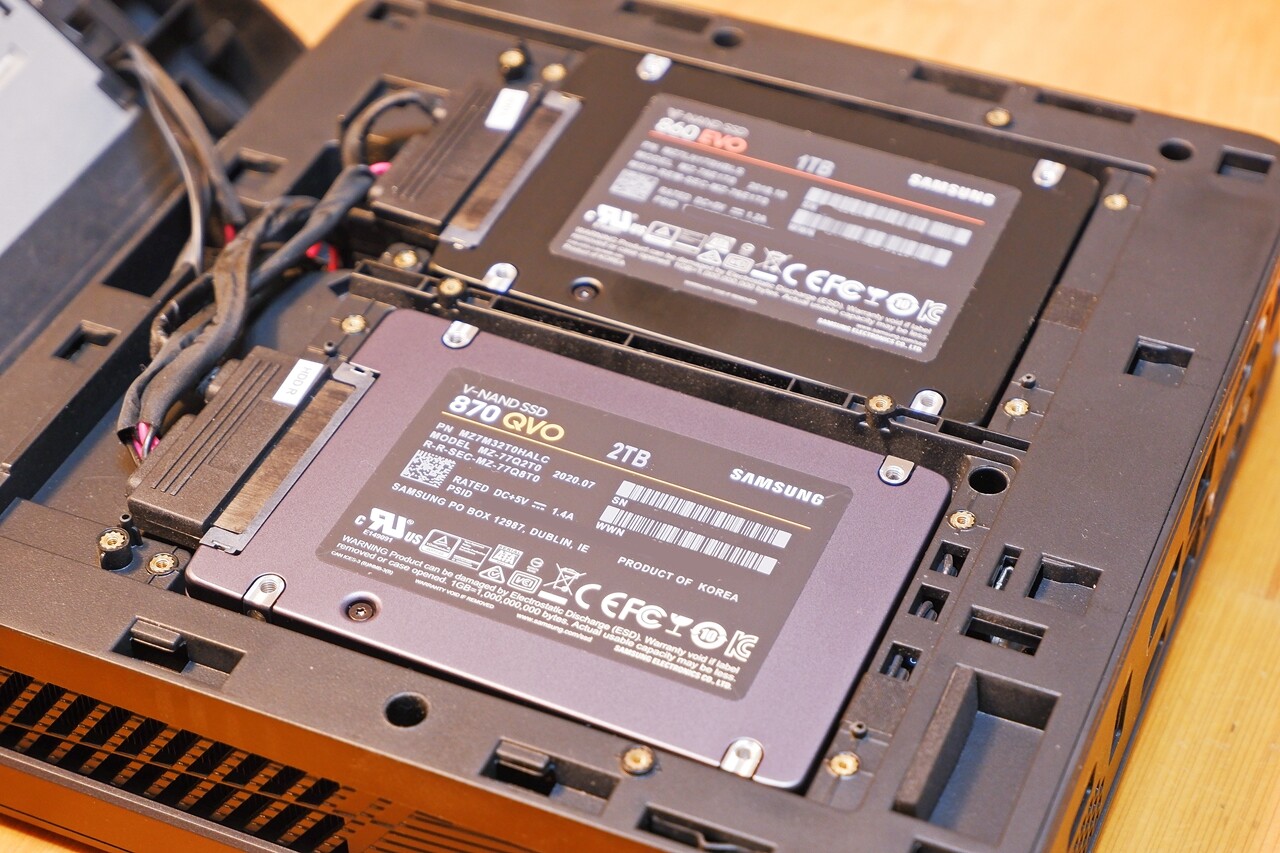
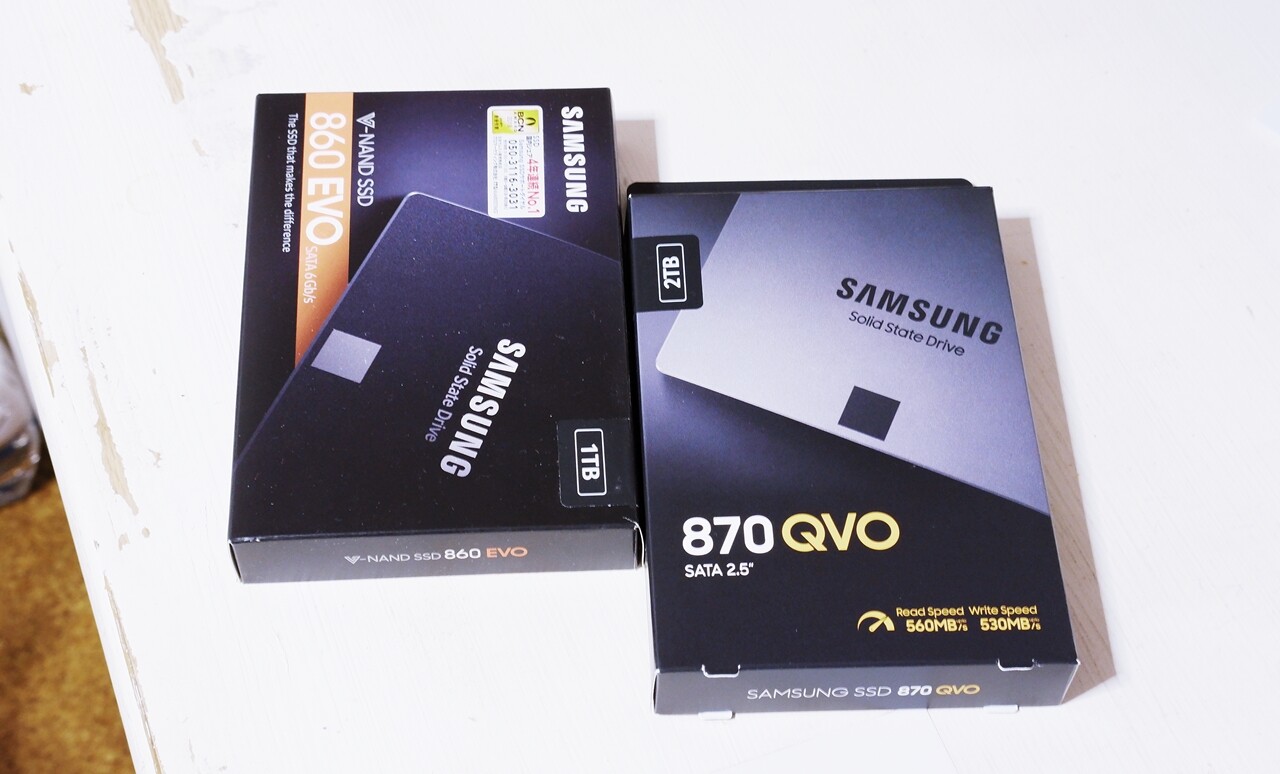
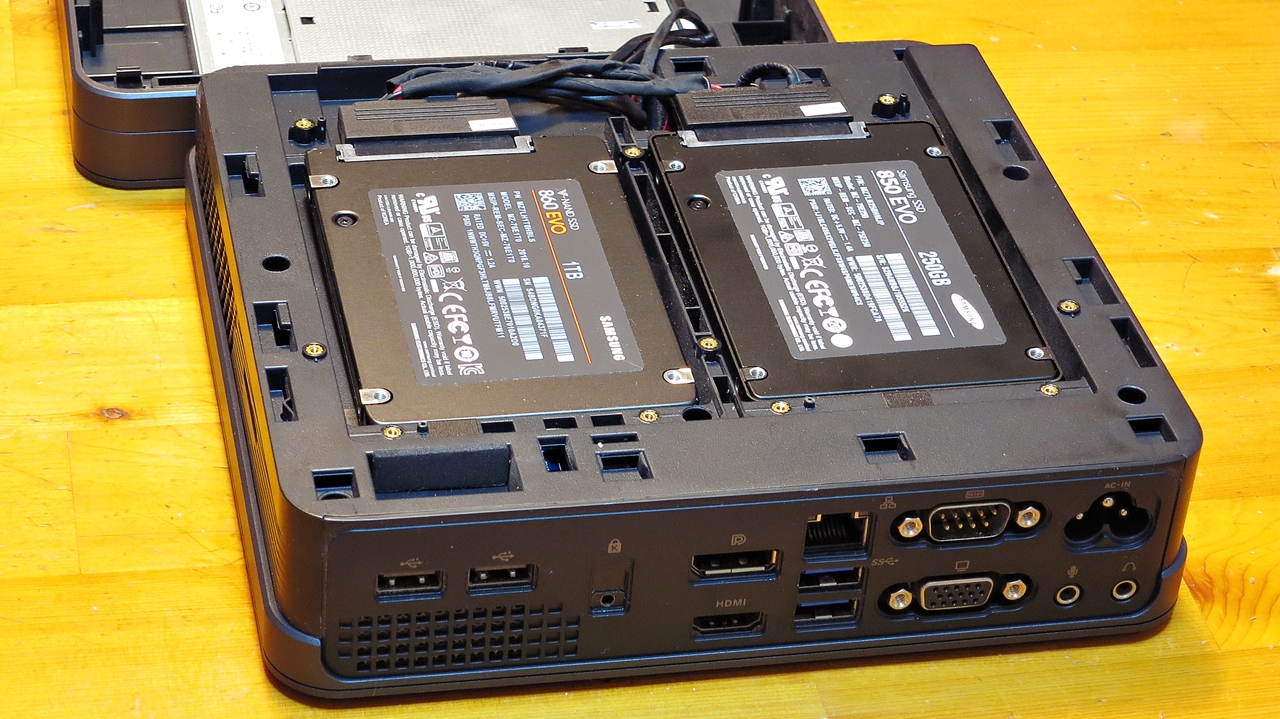
I mentioned it briefly in this entry before, but even with a dual-SSD configuration of “Samsung 850 EVO 250GB + 860 EVO 1TB” in my main PC, capacity was becoming tight before long, so in September 2020 I added a Samsung 870 QVO 2TB. As of 2022, my blog production PC for this miniature hi-fi blog — the ASUS VivoMini VC65 — is running on “860 EVO 1TB + 870 QVO 2TB”.
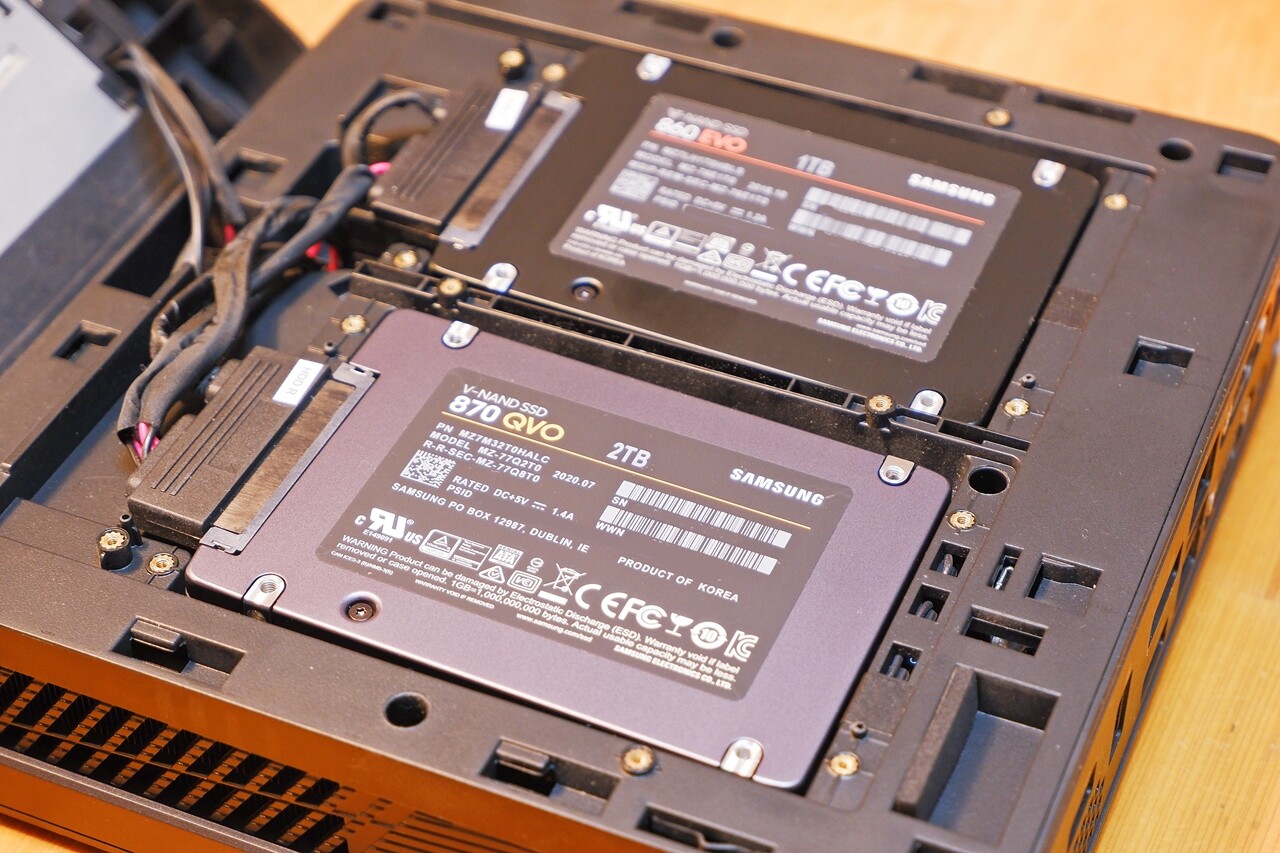
The Samsung 870 QVO is the current latest model, but within Samsung’s SSD lineup it sits firmly at the entry level. It uses high-density QLC NAND, which stores 4 bits per cell to keep costs down, and among the three tiers — “PRO > EVO > QVO” — it is the lowest performer. I ended up choosing the entry-level QVO somewhat reluctantly, simply to get 2TB of SSD storage as cheaply as possible. ※ Since I intended to use it purely as data storage rather than an OS drive, I thought I could live with the compromise…
On the questionable reputation the Samsung 870 QVO has out there
Here is a rough summary of the 870 QVO’s actual capabilities and its reputation out in the wild…
Honestly, QLC NAND’s reputation out there is rather poor — given the high-density design of 4 bits per cell, it gets criticised for low reliability, short lifespan, slow random write speeds, and so on. However, much of that criticism appears to be drawn from general technical literature on QLC NAND, rather than from actually using the product. As for whether the second-generation Samsung QVO series is genuinely problematic in practice — a lot of the commentary seems to amount to little more than the inference that QLC must be low quality and therefore must be bad, without going much beyond that.
The Samsung 870 QVO’s TBW write endurance is actually impressive
When you compare by TBW — the figure used to express an SSD’s write endurance — the 870 QVO, being the latest model, actually has more than twice the durability of the 850 EVO, which is two generations older. On top of that, Samsung consistently leads in SSD performance to begin with, so even the QVO offers speed and endurance equal to or better than mid-range SSDs from competing brands such as WD, SanDisk, and Crucial — and in terms of street price, it tends to be relatively reasonable, (especially in the larger-capacity 2TB-and-above models).
| Model | Capacity | STBW – FirstWiki | Warranty |
|---|---|---|---|
| 840 EVO | 250GB | – | 3 years |
| 850 EVO | 250GB | 75 TBW | 5 years |
| 850 EVO | 2TB | 300 TBW | 5 years |
| 860 EVO | 1TB | 600 TBW | 5 years |
| 860 EVO | 2TB | 1200 TBW | 5 years |
| 870 QVO | 2TB | 720 TBW | 3 years |
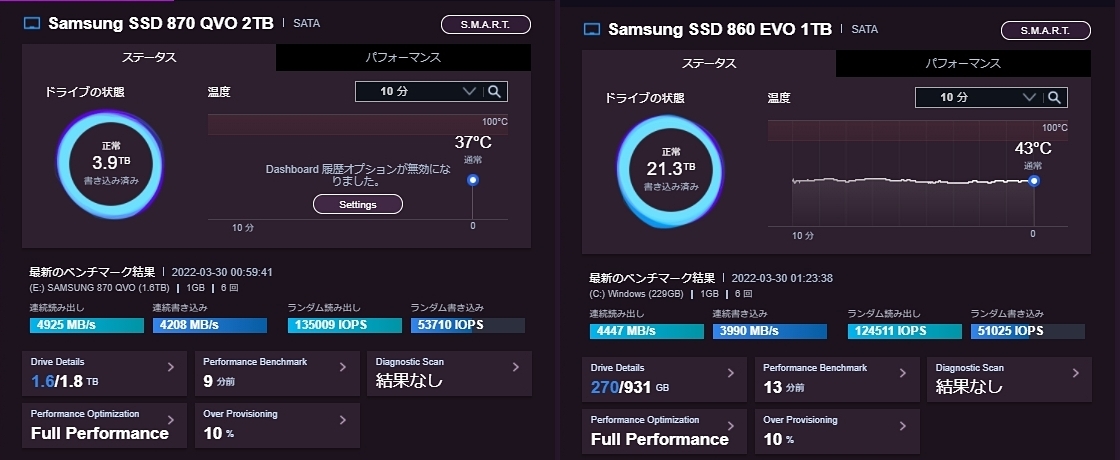
As of April 2022, I noticed that the OS drive (C:/D:) side — the 860 EVO 1TB — had already exceeded 20TB of writes over three years of use, while the data storage side — the 870 QVO 2TB — had only reached around 4TB after a year and a half. Assuming I continue to use it as a sub-storage drive in both the current machine and whatever comes next, the remaining TBW should be more than sufficient either way.


 ポチップ
ポチップ
Samsung 870 QVO read/write speed — in real-world feel
Having used the 870 QVO 2TB for a year and a half, my honest impression is that the improved performance of the latest-generation MKX controller must be doing its job — I genuinely cannot tell the difference from the 860 EVO in everyday use. Running benchmark tests in Samsung Magician, the 870 QVO actually comes out marginally faster in my environment, regardless of whether Rapid Mode is on or off…
Compared to the 860 EVO, which has plenty of headroom as the OS drive, the 870 QVO has been running nearly full to capacity after just a year and a half — and yet it is still fast under those conditions. ※ The measurements below were taken with Rapid Mode enabled. Please bear in mind that this is not a PC environment suited to rigorous SSD speed testing.
Being the latest-generation SSD, perhaps the 860 EVO — being the older model — is simply no longer quite enough to consistently beat it on performance. Even looking at the official specs:
The 870 QVO is in fact slightly faster. The 870 QVO with its 4-bit QLC NAND should theoretically have slower raw write speeds than the 860 EVO with its 3-bit MLC (TLC) NAND — yet in practice, it seems the latest-generation controller technology manages to turn that around entirely. To actually outperform the 870 QVO in real-world throughput, you would likely need to bring in the current-model 870 EVO.
Where a difference might show up is during large-file transfers between SSDs with the QVO on the write side — there is a possibility that speeds could drop noticeably partway through, slowing the transfer down. In my own usage, however, that sort of situation rarely arises, so I cannot actually determine which drive — the 860 EVO or the 870 QVO — would be the bottleneck first when a slowdown does occur. That said, if you regularly transfer large files in the tens or hundreds of gigabytes range, I think it is probably wise to avoid an entry-level QLC SSD.
Samsung 870 QVO operating temperature
Operating temperatures are on a par with the 860 EVO — around 34–37°C inside the ASUS VivoMini VC65 chassis at a room temperature of 24°C. Under heavy SSD access, it climbs into the low 40s. That said, these are temperatures inside a mini PC where heat tends to build up, so in an external SSD configuration it would likely run a bit cooler.
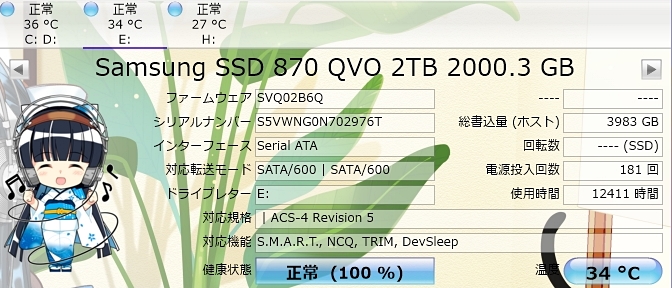
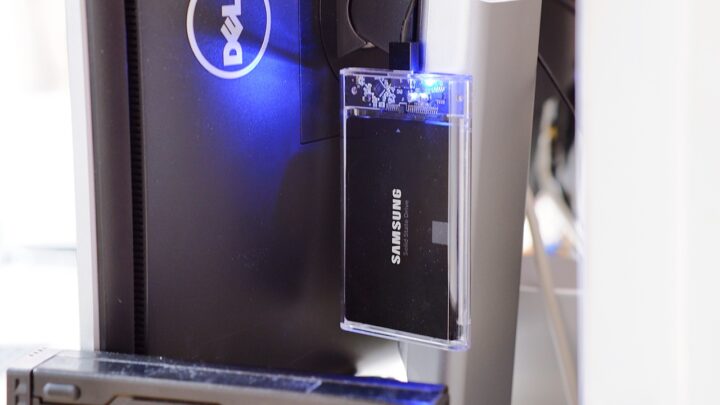
※ In the screenshot, the 860 EVO (drives C:/D:) appears slightly warmer, but if you swap the two drives between left and right bays, the displayed temperatures reverse as well (meaning there is no meaningful thermal difference between the 860 EVO and 870 QVO). In conclusion, even in compact PCs, mini PCs, NUCs, or laptops that struggle with heat dissipation, current Samsung SSDs present absolutely no thermal concerns whatsoever. ※ The drive H: showing 27°C in the image is the external USB portable HDD introduced below.
Impressions after a year and a half with the Samsung 870 QVO
I chose the 870 QVO on budgetary grounds, and given how much QLC NAND gets criticised out there, I was genuinely worried about whether I was being penny-wise and pound-foolish. But having now used the 840 EVO, 850 EVO, 860 EVO, and 870 QVO one after another, my impression is that for home use, blog production, remote working, and general office tasks on a PC, the 870 QVO offers more than enough performance.
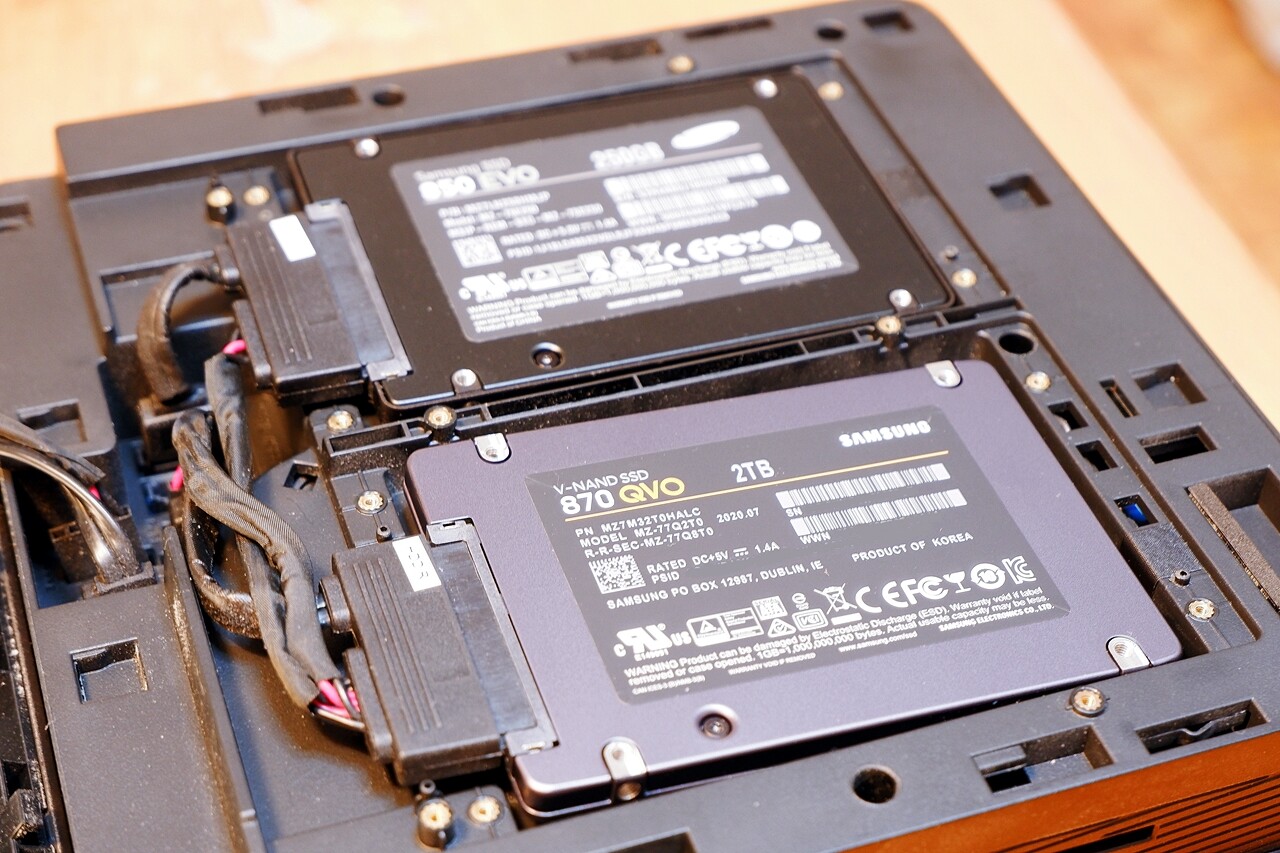
There is absolutely no sense that it is clearly inferior to the 860 EVO — if anything, the impression is that practical performance and stability have improved further, thanks to the latest-generation MKX controller. One sample is not enough to prove true reliability, but I can honestly say that using the 870 QVO, I have almost never had a moment where I thought it felt sluggish or sensed anything low-quality about it.
— Summary —
The QVO is Samsung’s entry-level model, so its failure rate under high-load use cases such as servers will naturally be worse than higher-tier models — I would not recommend it for that kind of application. The 5th-generation “4-bit MLC V-NAND” — that is, QLC NAND — gets thoroughly criticised on technical grounds in reviews everywhere, and it is true that in terms of reliability it does fall short of SLC, MLC, and mid-range TLC V-NAND. Understanding that it is not suited to demanding conditions is necessary before choosing it.
Performance with the 870 QVO × Rapid Mode is covered in detail in this article.
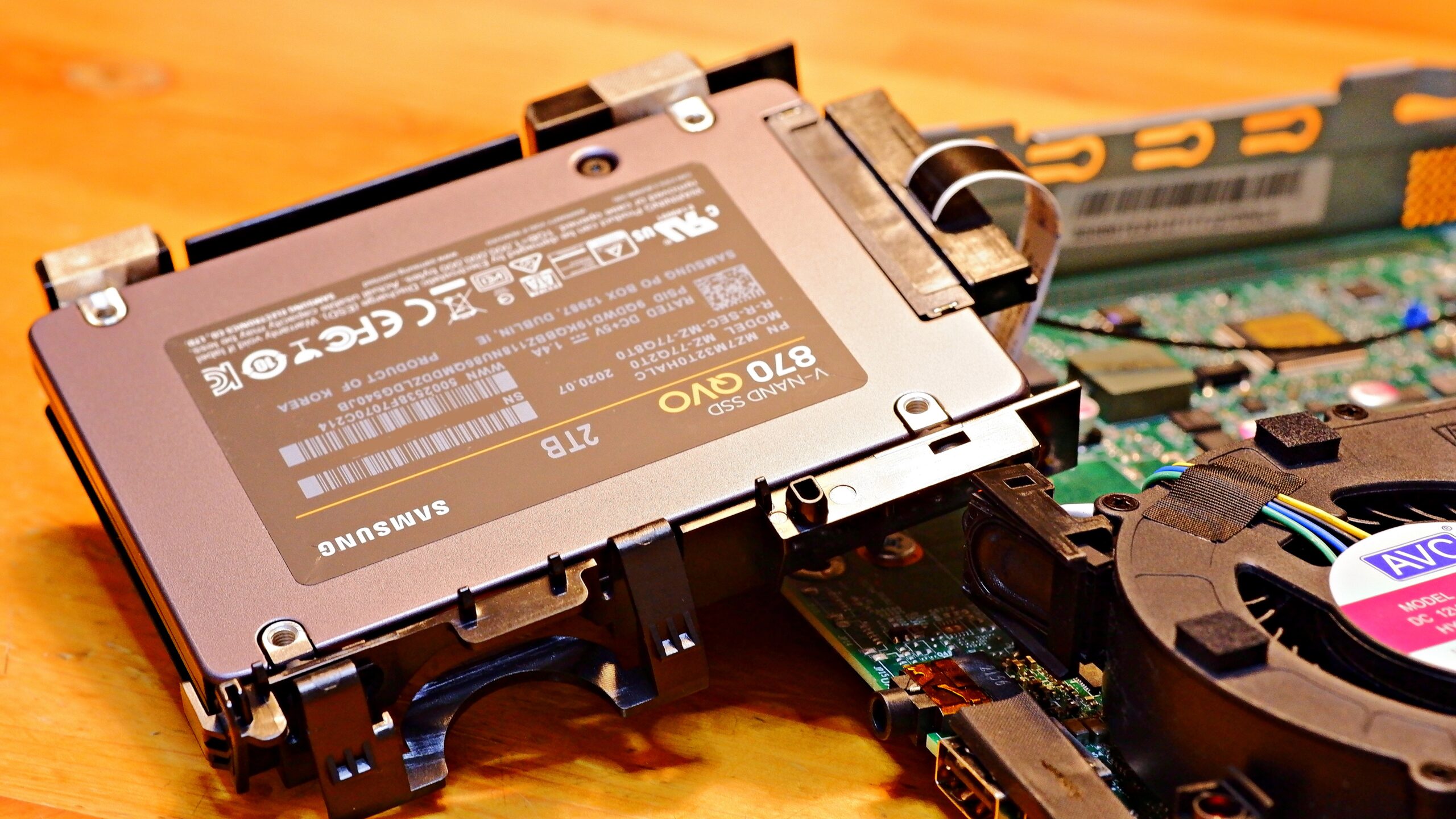
The 870 QVO has no models below 1TB — where wear from repeated overwrites would be more of a concern — and the warranty is only 3 years (the EVO is 5 years). Taking that into account, Samsung itself seems to be implicitly steering users towards using it as a high-capacity data storage sub-drive rather than an OS drive. That said, with this level of TBW already secured, the 870 QVO already offers what could be described as overkill endurance for general home or office use and remote working.
ポチップ
In terms of where each model fits best: if you regularly transfer large files exceeding tens of gigabytes, or if you prioritise reliability — i.e. a low risk of failure — on your OS drive, then the 870 EVO or 860 PRO would be a better choice than the 870 QVO. That judgement ultimately comes down to each person’s individual use case. But for environments where TBW consumption will not be heavy, the 870 QVO — with its relatively affordable price, solid real-world performance and responsiveness, good stability, and strong cost-to-performance ratio — is certainly a perfectly valid choice.
 ポチップ
ポチップ
And finally — do remember to back up your data every day, just in case. Even if an SSD never suffers physical failure, there is a far higher chance that a software or OS problem on your PC could corrupt important data at any moment. For what it’s worth, I have been using the free utility BunBackup for my daily backups for many years now — it is lightweight, fast, and has a simple UI, and I can recommend it with confidence as an excellent backup utility. On that note, I would like to wrap up this Samsung 870 QVO review by introducing a piece of freeware I genuinely hope people will try.
【A purely subjective comparison of SSDs from various manufacturers】
Comparison 2017|850EVO|Comparison 2019|860EVO Part 2|860EVO Part 3|870QVO|WD SN770

Auto Translated by CS4.6