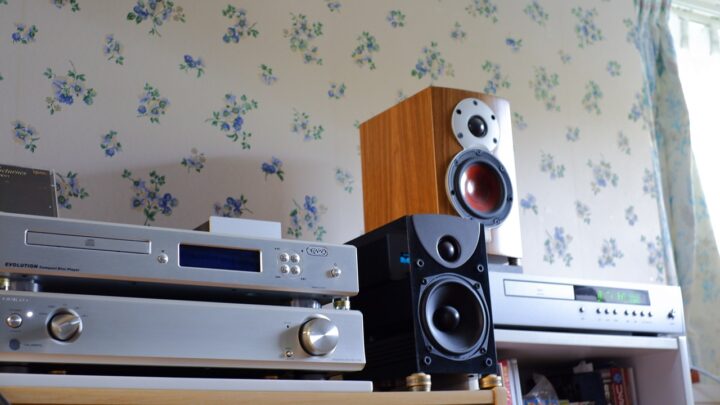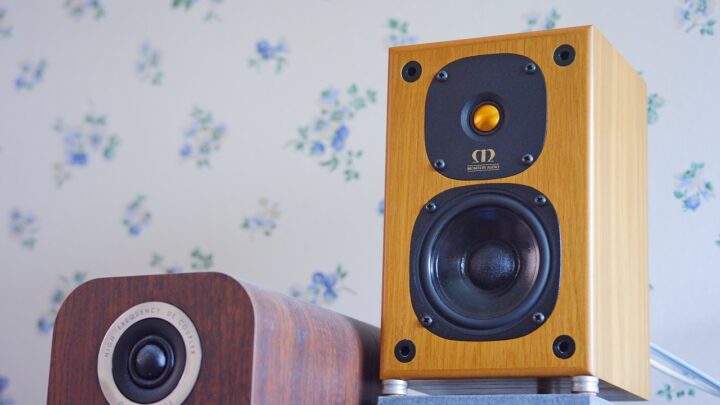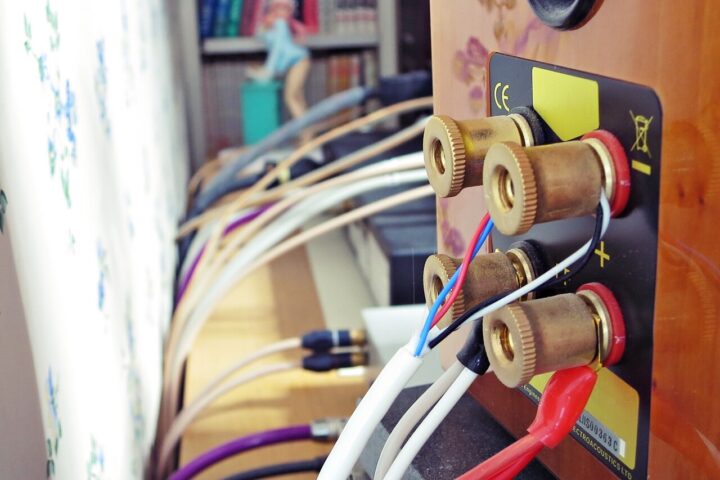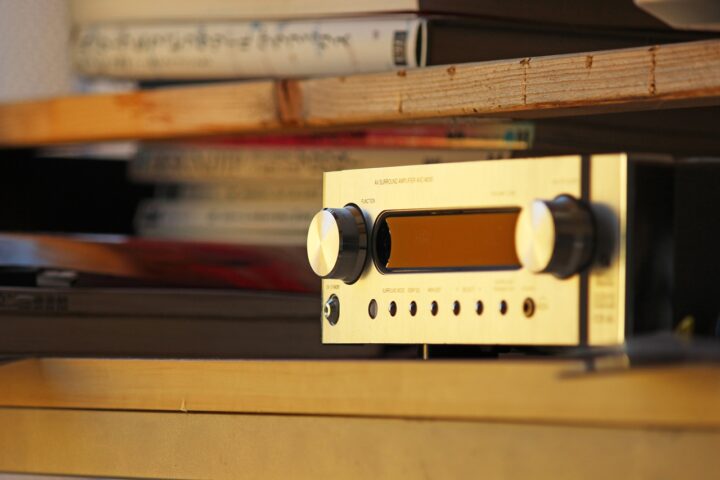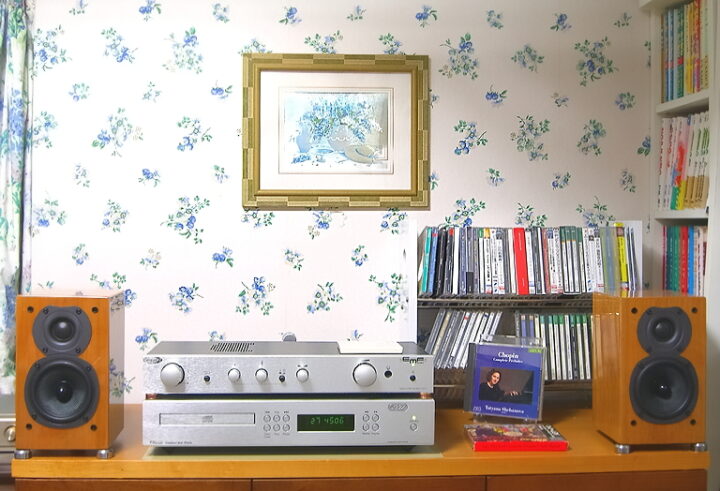
This story goes back about two years, to a time when I was exchanging DMs on Twitter (I refuse to call it X, lol) with a certain fellow enthusiast. Inspired by the audio system block diagram — or rather, system diagram — that he had posted publicly on Twitter, I found myself idly sketching out a diagram of my own setup. Since it all happened in a private DM conversation, I never shared it as a tweet, but better late than never: I thought I’d introduce it here on the cottage-garden audio blog that is AUDIO STYLE.


 ポチップ
ポチップ
That certain fellow enthusiast

Audio System Block Diagram, End of 2022
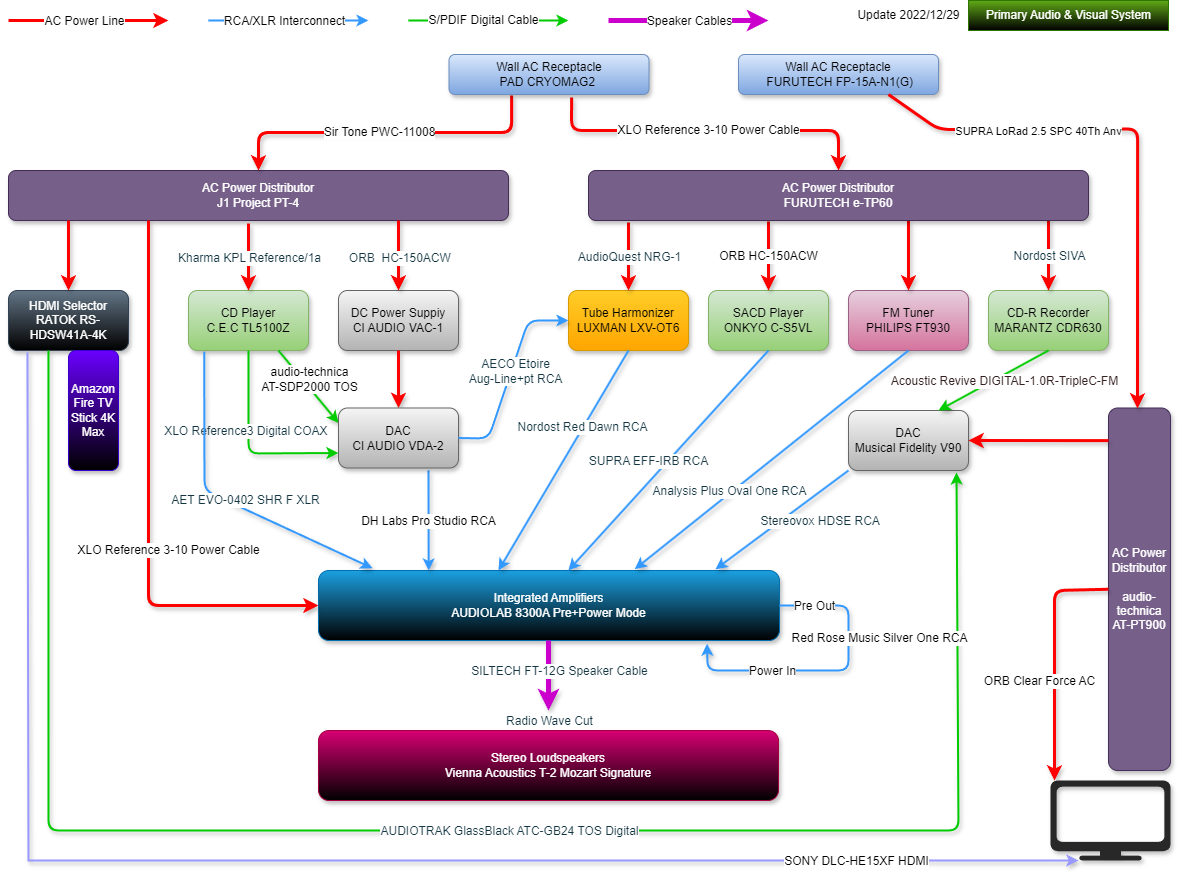
Living Room Main System Ver.2022/12/29
The dates place this at the end of 2022 and New Year’s Day 2023, so this diagram is some 22 months old. Wine red represents the speakers. Dark blue is the amplifiers. Optical disc spinners such as the CD player are shown in green. The DAC is grey. The flat, non-gradient purple-grey blocks are the power distribution units.
Study Sub-Systems ×3 + PC Audio System Ver.2023/1/1
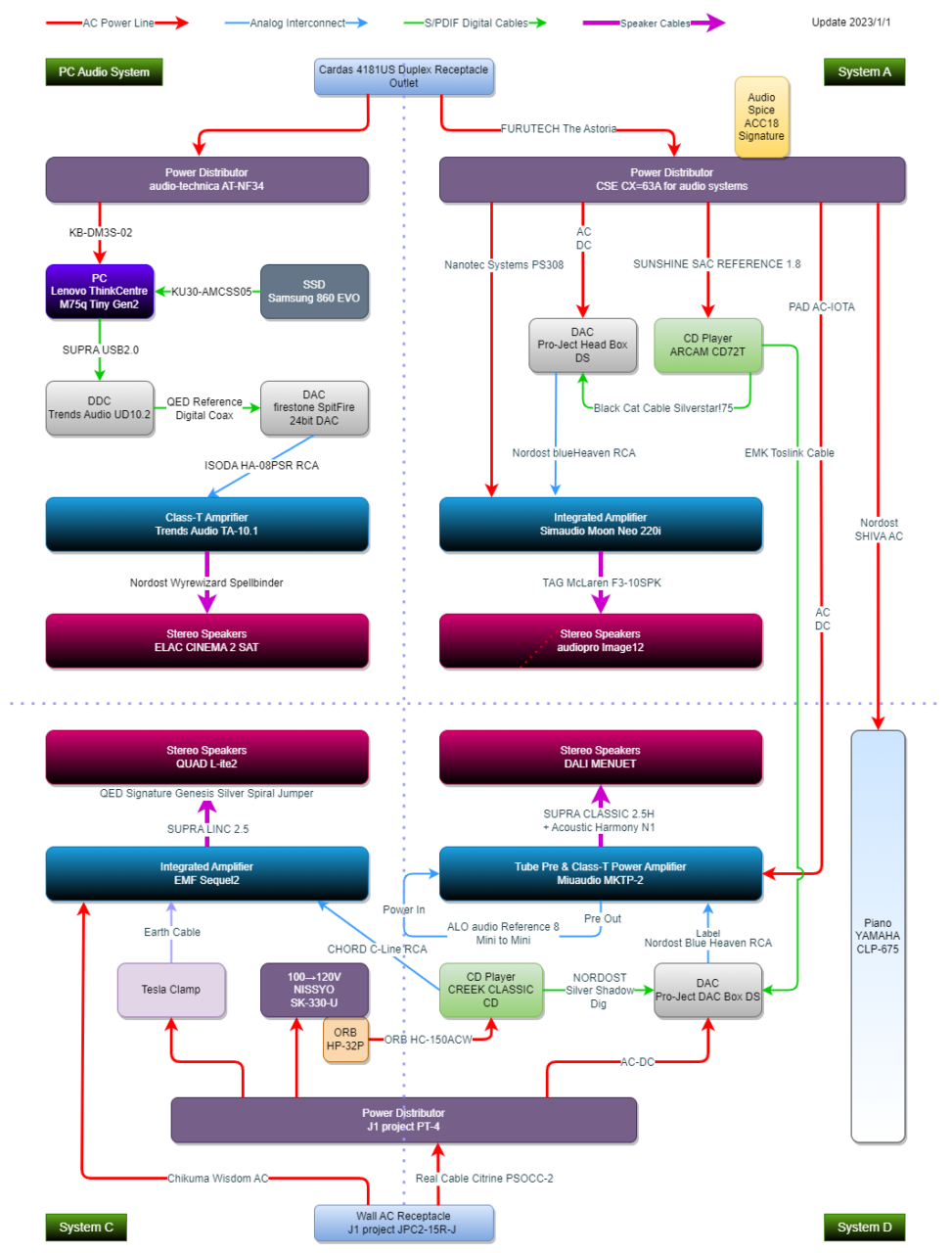
This is purely a block diagram, so it reflects the logical relationships between components rather than their physical positions in the room, arranged as clearly as possible. The actual dimensions of individual pieces of equipment and real cable lengths are not represented by the drawn lines. Likewise, accessories with no direct electrical relationship to the signal path (isolators, footers, and the like) have been omitted to keep things uncluttered. The main system lives in a 16.5-tatami living room, whilst the sub-systems and PC audio setup are crammed into a 5.5-tatami study.

Audio System Diagram, 2024 ※Provisional — includes some planned changes
Comparing the current autumn 2024 system with the earlier block diagram, I found that rather more small details had changed here and there than I’d expected. So I decided to draw a fresh block diagram for the current setup. Whilst fussing about with this arrangement and that, what I ended up with was a provisional system plan for 2024 that had somehow blended together the present state of things and my intentions for future upgrades — though I’d say it’s about 80–90% accurate to how things actually stand right now.
Living Room Main System Ver.2024/9/27
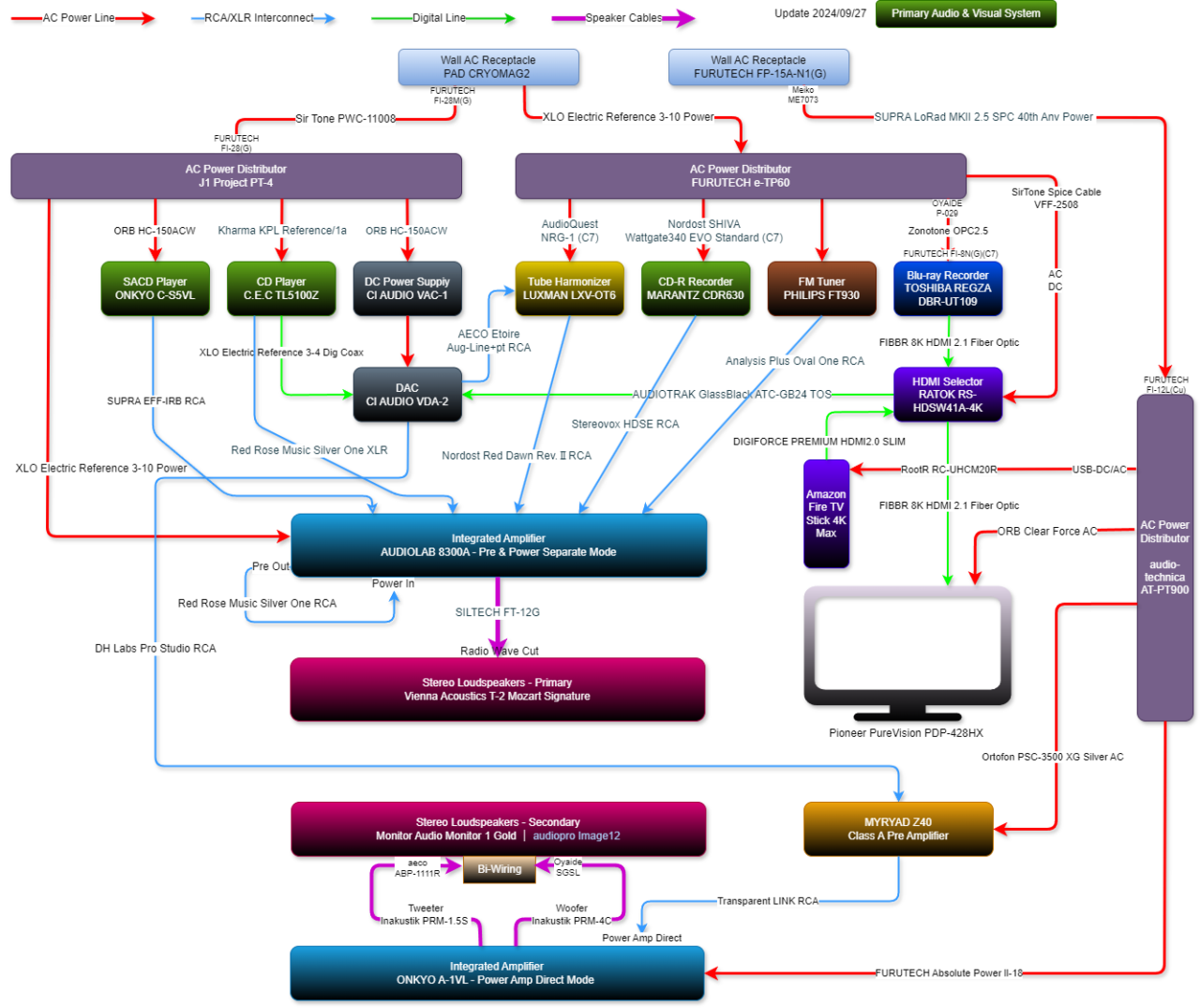
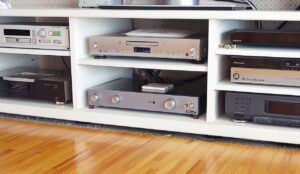
The diagram has expanded downwards, and the big change is that I’ve made use of the surplus space around the Primary System to incorporate a new, compact Secondary System alongside it. Adding extra equipment into spare space does risk degrading the sound, but when I tried placing a small speaker on the inside of each Vienna Acoustics speaker, it seemed to create a sympathetic resonance not unlike a passive radiator effect, and the Vienna Acoustics side of things actually improved without my doing anything else at all. That said, it goes without saying that leaving out the large flat-panel TV in the middle would do wonders for the sound…
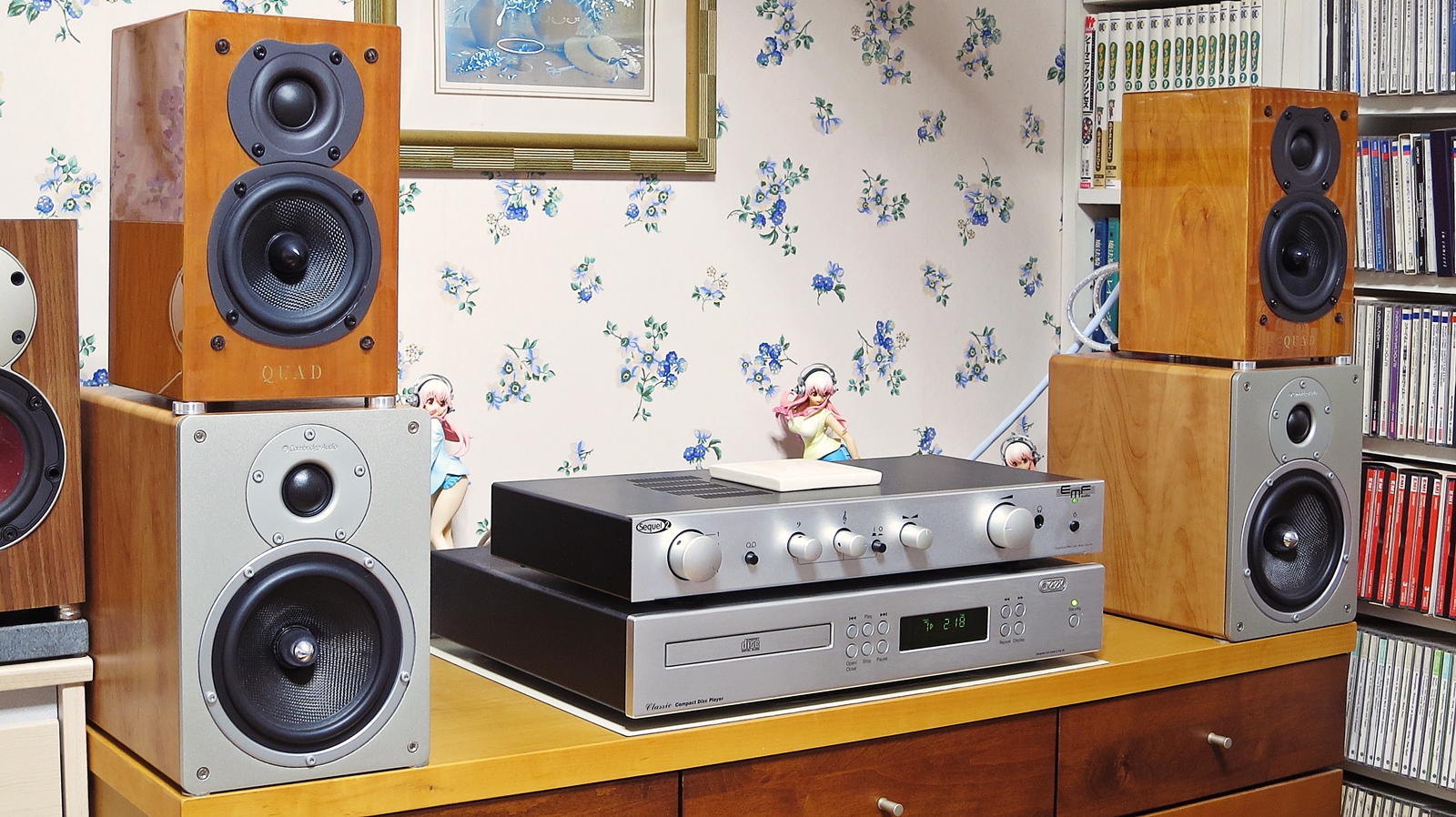
Study Sub-Systems ×3 + PC Audio System Ver.2024/9/26
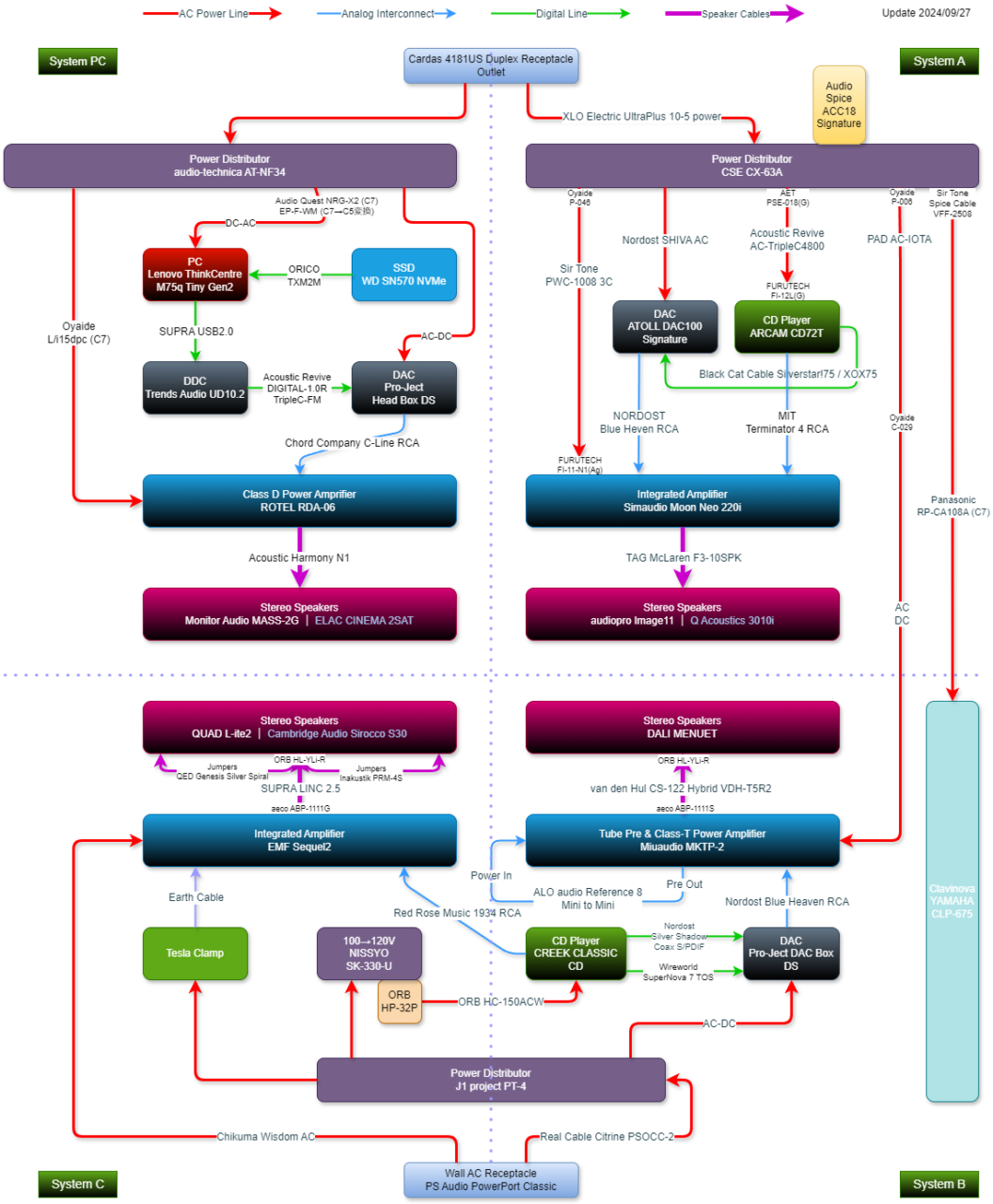
Where two speaker models appear within the same block, the greyed-out one simply means that swapping the speaker cables over will bring it to life — the white one is what’s in regular use. The PC audio equipment surrounding the study sub-systems has been almost entirely renewed, though in reality the build is still a work in progress. It may seem an awful lot to squeeze into a 5.5-tatami room, but because each individual piece is compact, there’s actually a surprising amount of breathing space.
How to Draw an Audio System Block Diagram — A Simple Guide
Drawing a block diagram might look like a daunting task if you’ve never tried, but everything above was drawn on a PC for the very first time in my life. The tool I used, incidentally, is the free draw.io (diagrams.net). There are various free tools out there for drawing block diagrams and flowcharts, but with draw.io you barely need to read any instructions — you can intuitively knock out a diagram like this in about an hour. ※Of course, if you already have another tool you’re comfortable with, by all means use that instead.



Why Bother Drawing an Audio System Diagram?
People have been drawing and sharing system diagrams on Twitter for as long as I can remember, and I used to look on enviously, thinking I could never do that myself. But once I actually gave it a go, it turned out to be far simpler than expected. The benefits I found were these: the configuration of your system, which tends to exist as a vague, fuzzy impression in the back of your mind, becomes fully clear down to its finest details; and the path forward for future upgrades — along with the order of priorities — suddenly comes into sharp focus. Beyond that, the diagram serves not just as a snapshot of the present but naturally doubles as a provisional finished-state vision, a goal, and a kind of roadmap all at once.
 ポチップ
ポチップ
Redrawing it periodically lets you look back at past versions and trace the evolution of your system over time, and when you find yourself losing your way, it functions as a compass — a means of recovering your original principles and direction. Even if you never intend to show it to anyone else, the simple act of drawing a system diagram and viewing your setup from above helps to organise your thinking, clarify the direction of future upgrades, and bring to light aspects you hadn’t noticed before, or surface unexpected points of interest. Honestly, there’s no need to overthink it — just drawing one is rather enjoyable in itself, so if you’re at all curious, I’d thoroughly recommend giving a block diagram a try.


Auto Translated by CS4.6