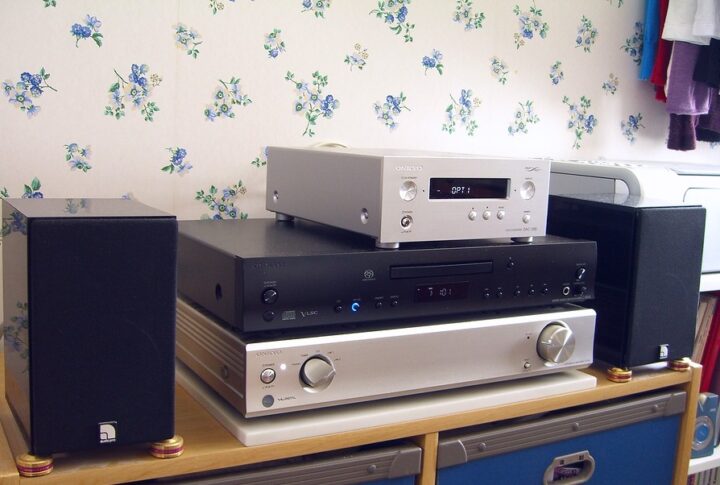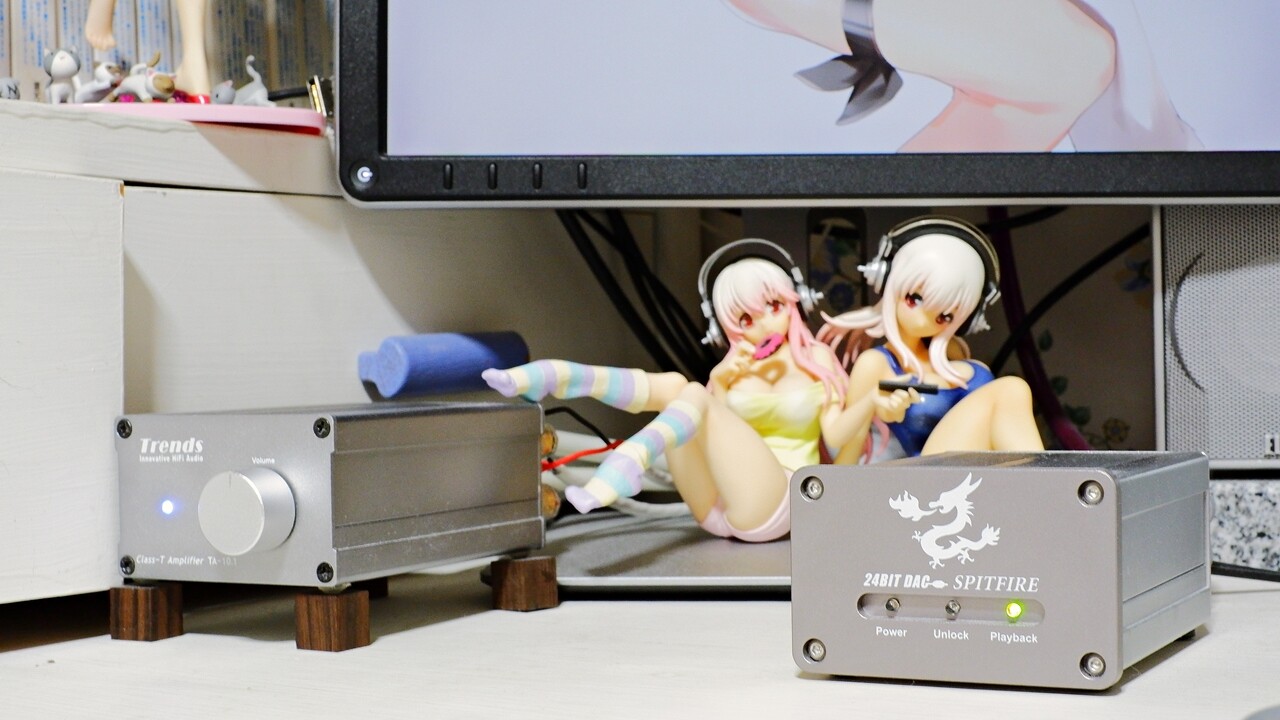
This spring I have been writing in a rather piecemeal fashion about my desktop PC audio system — a compact, box-format pure audio setup — and then last night, inspired by the high-level Hi-Fi crowd on Twitter, I found myself almost absent-mindedly trying a major overhaul of the digital chain, involving the reintroduction of a DDC and a change of DAC, and — of all things — the sound quality of my PC audio improved by a factor of three compared to what it was before.
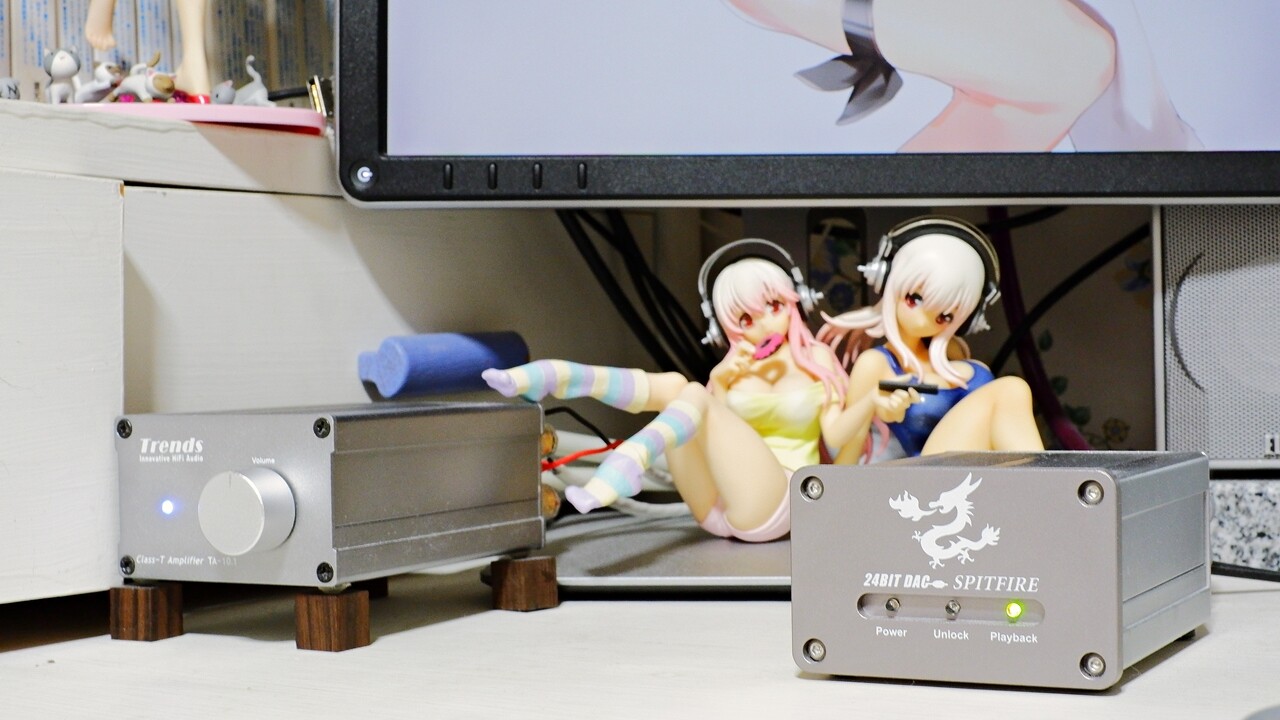
Oh, I may have no major complaints at this point… ※ as of today, at least. Honestly, I never expected that sound this richly resonant and colourful would come out of the ELAC CINEMA 2SAT at this stage. For years now, my desktop PC audio had ranked last among all the audio systems I own — fifth or sixth place, or seventh if you include the car audio — so for the author, reaching a point where PC audio actually sounds genuinely good by his own standards is, for this little box-system venture, a first.
Truthfully, I never had much motivation for PC transports or network audio beyond what people around me recommended, and even while writing about products on the blog, I was doing so with barely any inner passion — it was good for rehabilitating the blog after a period of neglect, I thought, and that was about it. ← Because my emotional investment was shallow, it was easier to write about than the other systems, which is exactly why. But now that the foundation system has reached this level of sound quality, I can genuinely enjoy music through PC audio, I find myself more willing to buy hi-res downloads, I finally feel like doing some ripping, and I’m motivated to tinker further with the PC audio setup in pursuit of even better sound.
With that, let me introduce the current — provisional — desktop PC audio system here at AUDIO STYLE, the compact pure audio enthusiast’s recommended setup.
Main PC ASUS VivoMini VC65-G108Z Windows 10
※ WASAPI-compatible PC music player KORG AudioGate v2.3.2 and others.
↓
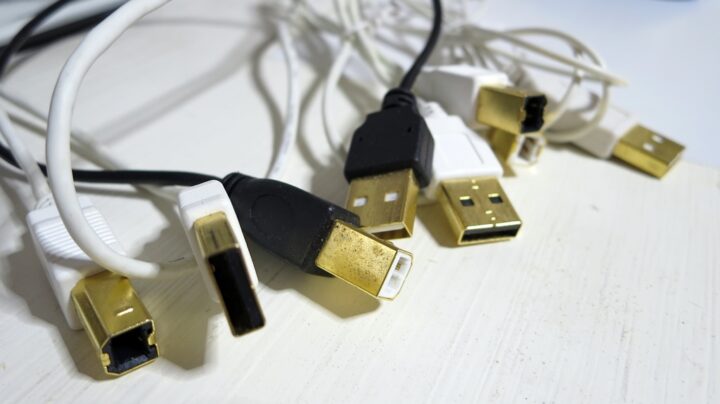
USB cable Wireworld Chroma USB 1m
↓
DDC Trends Audio UD-101 (article in progress)
↓
TOSLINK cable audio-technica AT-OPX1 1.5m
↓
DAC Firestone Spitfire 24Bit DAC (article in progress)
↓
RCA cable ISODA HA-08PSR (modified)
↓
Digital amplifier Trends Audio TA-10.1 (article in progress)
↓
Speaker cable Nordost Wyrewizard Spellbinder 1m pair
↓
Speakers ELAC CINEMA 2SAT
Please follow the links for details on each component and how it is used. ※ Quite a few pages still in progress… I plan to fill them in as soon as I can. The reason I stick with the old KORG AudioGate v2.3.2 is that this earlier version has a higher musicality than the current KORG AudioGate, with a slightly flavoured sound that suits my taste. ※ In terms of raw sound quality, the newer version is superior, however.
For the D/A converter, I had been using the StyleAudio CARAT-UD1 — a USB DAC fitted with the Burr-Brown PCM2704 — for roughly the past two years. But leaving that particular model aside, a concern I have with USB DACs in general is the ground loop that runs electrically all the way from the PC transport through the DAC and into the amplifier, along with the unavoidable noise loop that comes with it. With USB transmission, the noise from the PC transport propagates through the entire system as-is, and I get the impression that this is what leads to the particular muddiness, blurring of the sound image, poor subjective S/N, lack of ambient information, and monochrome quality that one tends to associate with PC audio — things you rarely notice to the same degree with dedicated Hi-Fi components.
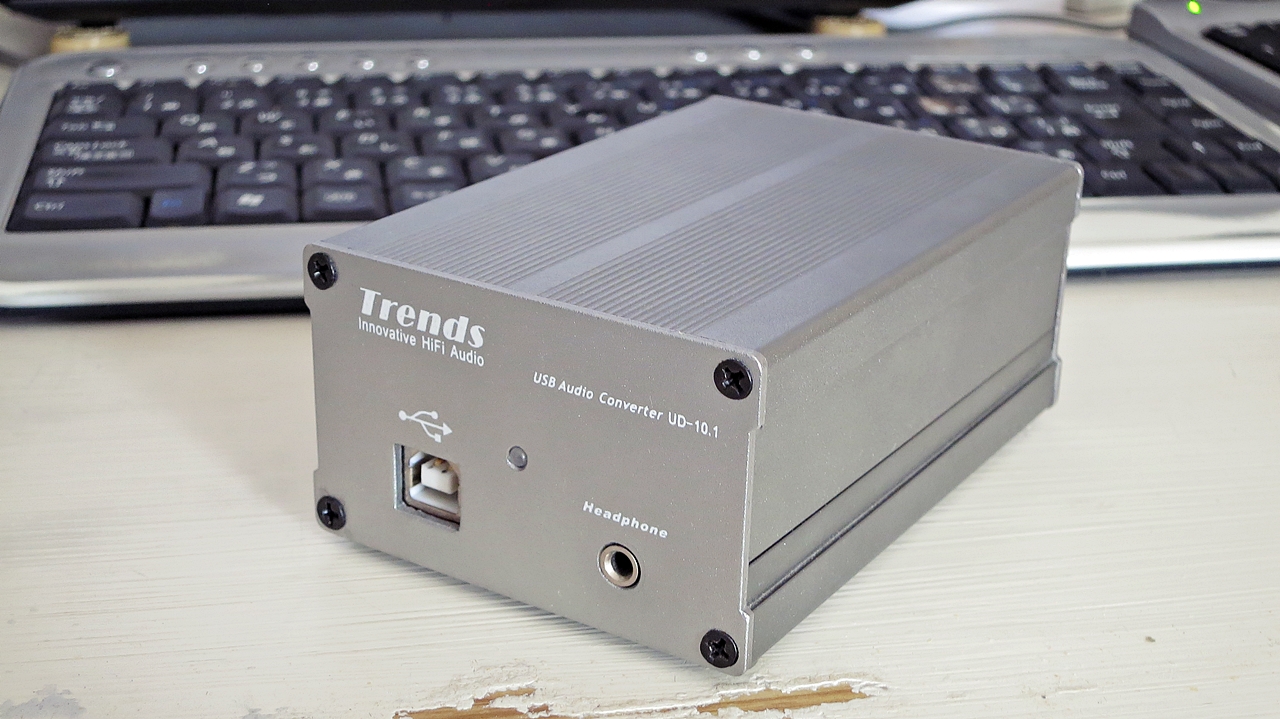
The Trends Audio UD-10.1 DD converter is a DDC with a built-in DAC that I purchased nearly ten years ago from an overseas shop as a set with the company’s TA-10.1 digital amplifier. The sound quality of the PCM2704 USB DAC inside it is nothing special compared to the CARAT-UD1. However, the UD-10.1’s main advantage is that it incorporates a reasonably capable DDC — it reclocks the digital audio signal received via USB with a jitter of ±0.0001%, and outputs it as either S/PDIF coaxial or optical TOSLINK digital. ※ Incidentally, it operates on USB bus power. The CARAT-UD1 has a similar DDC function, but since the sound quality of DDC conversion varies considerably from model to model, I went with the Trends Audio UD-10.1 this time.
In a PC audio setup, by deliberately inserting a DD converter into the signal chain, the digital output from USB can be reclocked by the DDC and converted to an optical digital output — which makes it possible to break the earth loop and noise loop between the subsequent audio stages and the PC itself almost completely. ※ For this reason, when choosing a DDC, an optical TOSLINK output is essential rather than S/PDIF coaxial or balanced; and beyond that, a model with as high-quality a clock as possible is preferable. The UD-10.1 has a lower-tier sibling, the UD-10.1 Lite, whose crystal accuracy was jitter ±0.00025%.


 ポチップ
ポチップ
This time, reintroducing the DDC allowed me to achieve complete electrical isolation between the Hi-Fi side of the PC audio chain and the PC itself once again, and replacing the D/A converter — swapping the PCM2702-based CARAT-UD1 for the Firestone Spitfire 24Bit DAC, which uses the PCM1704 and delivers sound quality on a par with entry-level stand-alone Hi-Fi components — resulted in an overall improvement in sound quality that was quite dramatic. Reverberant information in the soundstage that had previously vanished entirely is now coming through at a level approaching entry-class Hi-Fi components.
The Firestone Spitfire 24Bit DAC uses the Burr-Brown PCM1793 chip, with a maximum of 96kHz/24bit and no DSD support, so in that sense it is still a system that cannot fully exploit hi-res sources. That said, it is clearly superior to anything built around the PCM2702. The sound character has a strong resemblance in its essentials to the CREEK EVO-CD with its PCM1738E — imagine taking the Creek and stripping away its distinctly audio-flavoured personality and colouration, leaving something cleaner and more straightforward.
 ポチップ
ポチップ
Buoyed by this, I thought: why not swap the USB cable too — from the Wireworld Chroma to the SUPRA USB, which has higher resolution and is objectively better-sounding — and improve things further? I promptly tried exactly that, but contrary to expectations, the Wireworld Chroma turned out to be far superior. When connecting directly from a PC via USB to a USB DAC, the SUPRA normally gives a noticeably wider soundstage, greater delicacy, and higher resolution than the Chroma — but with the DDC in the chain, the result was a complete reversal, which came as quite a surprise.
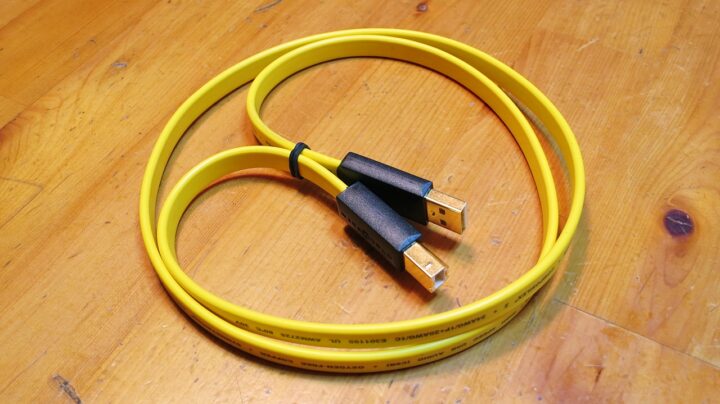
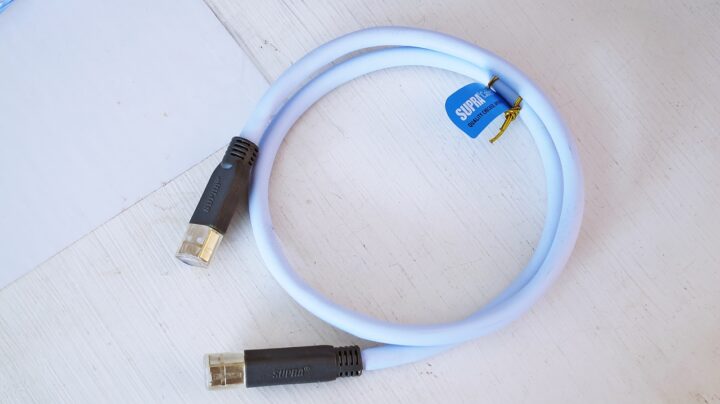
Using the tin-plated SUPRA USB, the sound loses colour, the tonal colouration is reduced, and the character becomes — in a silver-plated-wire sort of way — a cleaner sound; the perceived frequency balance also becomes flatter. On the other hand, the soundstage narrows slightly, and the sound images arrange themselves in a flat plane just behind the speakers. This tendency was entirely unexpected, as with a direct USB DAC connection the SUPRA actually tends to allow more ambience to bloom and the soundstage to become wider than with the Chroma — quite the opposite.
 ポチップ
ポチップ
With the Wireworld Chroma, by contrast, its inherent vitality and musicality are present as always, but additionally the three-dimensional solidity of the sound images — their depth, height, and width — improves, density increases, midrange sharpness is enhanced, and the stage as a whole feels a size larger, underpinned by greater body in the bass. The slightly warm, sweet high frequencies and the strong warm-toned colouration remain, but the high-frequency roll-off, the sluggish muddiness, and the thinness of texture that one notices with a direct USB connection are greatly resolved through the DDC, and the resulting improvement in stage transparency brings the Chroma’s own character into clear relief in a rather satisfying way.
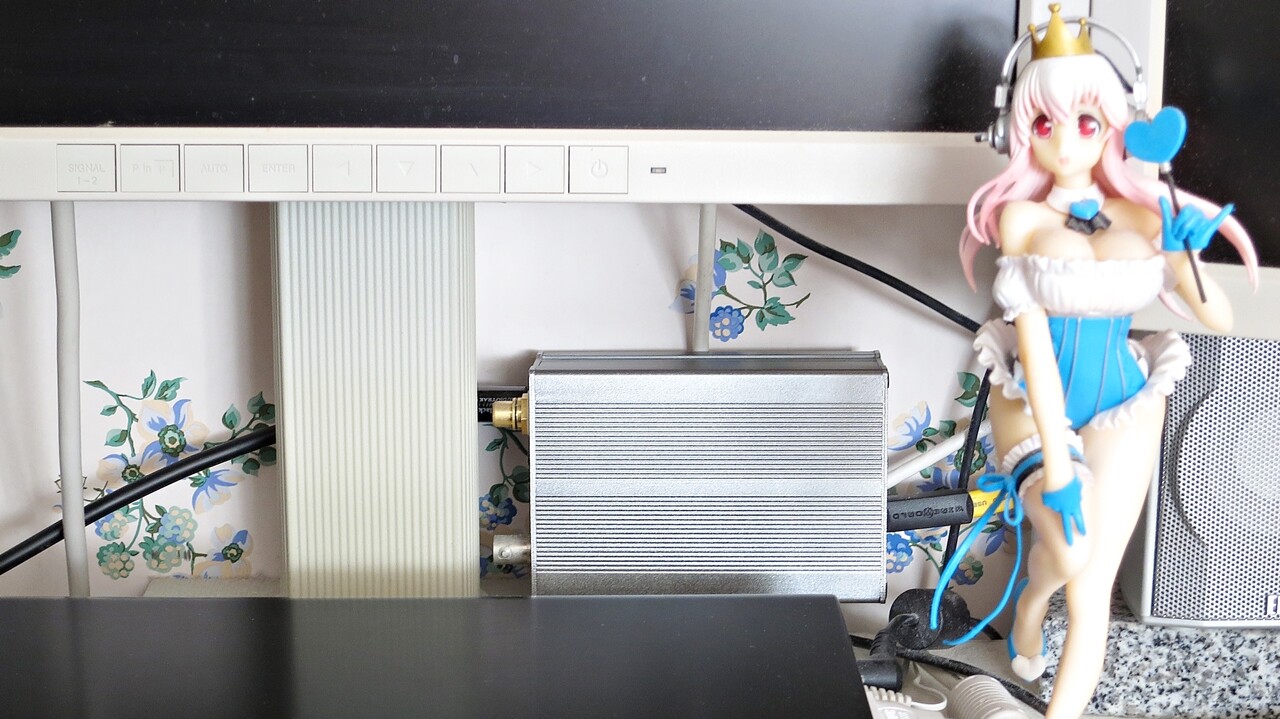
That said, the copper-toned colouration of the soundstage remains quite rich even through the DDC, so ideally one would replace it with a higher-tier Wireworld USB cable using silver-plated conductors — and that would certainly be the better option. But the Chroma’s musicality is genuinely exciting to listen to, and since I have already arrived at a sound quality I have no complaints about whatsoever, upgrading the USB cable can probably wait a little while yet. Even so, it is somewhat surprising that the character of the USB cable and the PC transport does not simply disappear once a D/D converter is in the chain — but that, one supposes, is the tricky thing about digital.
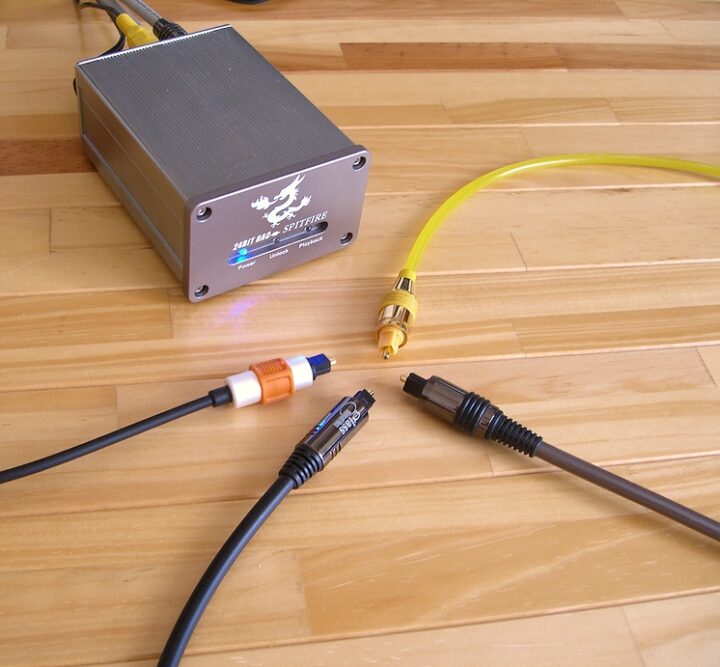
Since the wiring at this point was rather makeshift, the current weak link is probably the audio-technica AT-OPX1 pressed into service as the optical digital cable — at 1.5m, it is unnecessarily long. It seems 50cm would have been more than enough, so the first upgrade should be to replace the TOSLINK cable with a short glass-fibre cable such as an AUDIOTRACK GlassBlack2+, at around 50cm.
※ With TOSLINK, keeping the length as short as possible reduces the optical jitter introduced by the light transmission, so routing the cable over the shortest possible distance is desirable.

That said, the audio-technica AT-OPX1 is an excellent optical digital cable — inexpensive plastic-core construction, yet the soundstage is wide and it conveys a surprisingly high level of musicality. Bass weight and note count are commensurate with its price class, but it has the advantage of being soft and flexible compared to glass-fibre or quartz-core cables, making it easy to route. For those with a tight budget putting together a digital audio system and simply looking for a TOSLINK cable they can enjoy music through, it is a very solid recommendation.
Now that things have improved this much, the speaker cable — the entry-level Nordost Wyrewizard Spellbinder — is becoming something of a bottleneck: its solid-core characteristic three-dimensionality of imaging is one thing, but its limited note count and the narrowness of its frequency extension are noticeable. And then there is the power supply. The PC-side mains wiring is currently gathered on an Elecom power strip combined with a handful of noise filters, and if that were replaced with something of audio grade, a significant improvement in sound quality would certainly follow.
~ Summary ~
The PC audio system, which until now had fallen slightly short of the author’s own definition and acceptable standard for genuinely good sound quality, has at last been elevated to something worthy of being called a compact pure audio desktop mini-system. Even as I write this article, it is playing away in front of me — and while one might well ask what I had been doing all this time when it was achievable with the equipment already on hand, it does seem that with a bit of effort even a PC can produce sound that lets you enjoy music in a satisfying way.

Auto Translated by CS4.6