【NAS Down: HDD Logical Crash】
Part 1|Part 2
Always Keep a Double Backup of Your Music Data
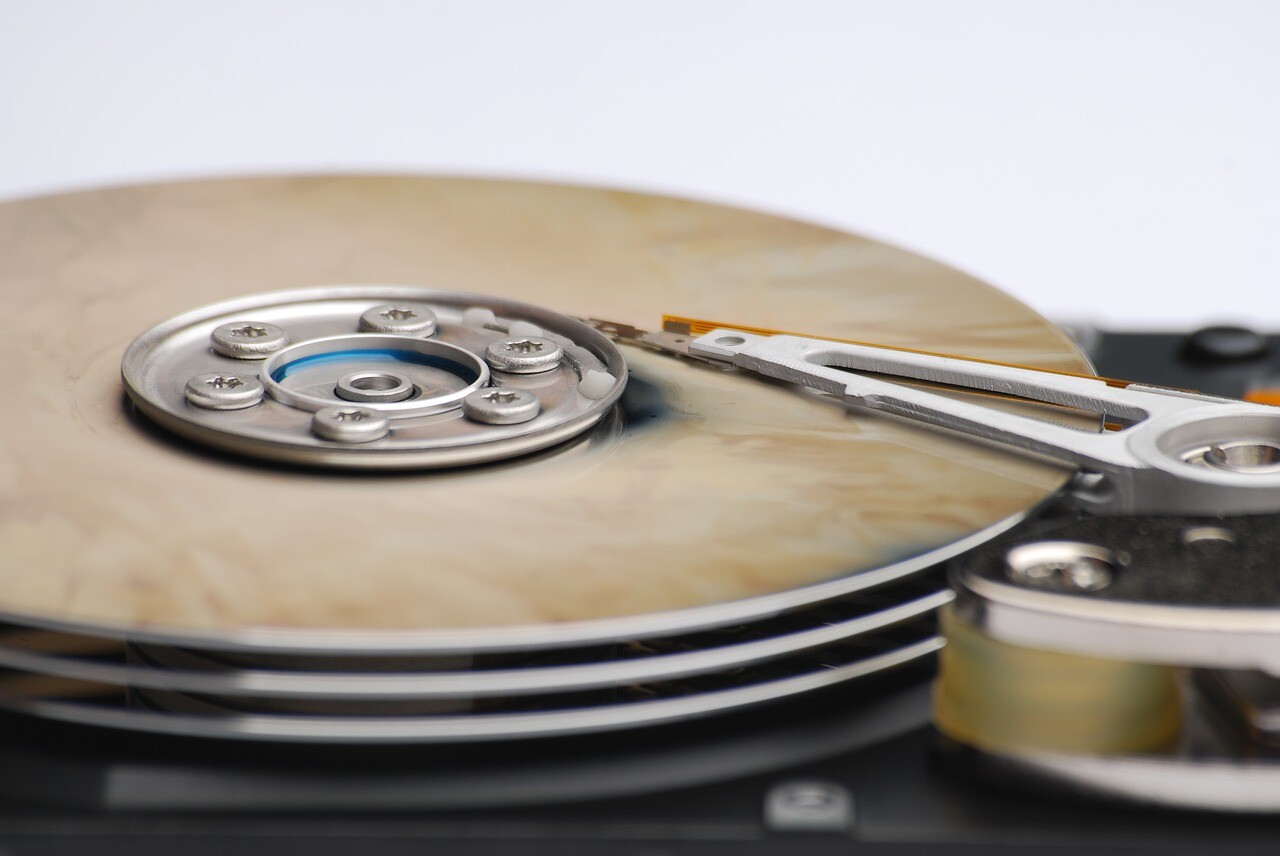
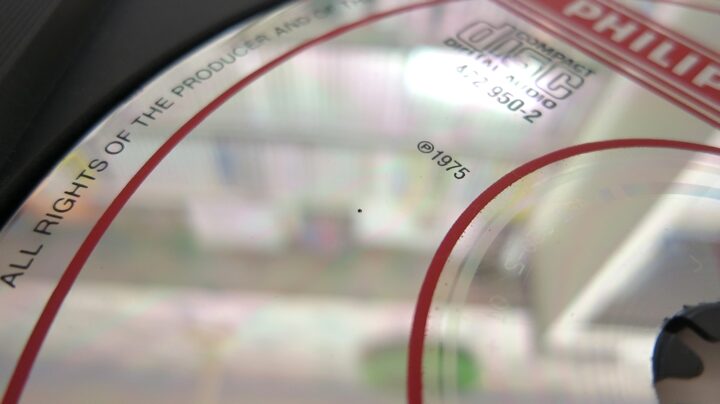
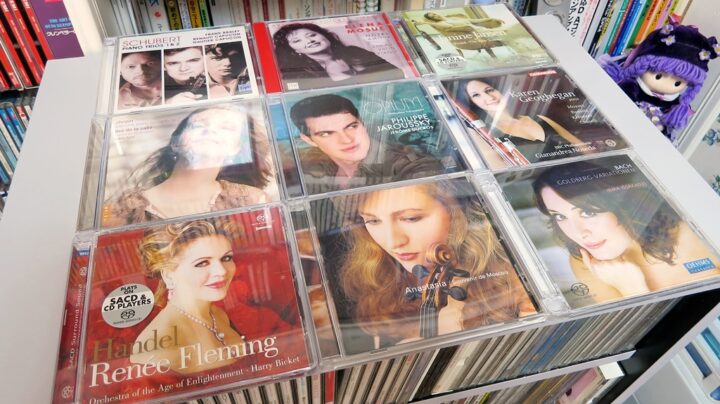
What I really came to feel this time round is that, when you think about the long-term durability of data media, in the end nothing beats the original manufacturer-pressed disc — not HDDs or SSDs, which can fail suddenly out of nowhere one day, and not even recordable optical discs like CD-Rs or DVD-Rs. CDs were originally said to have a lifespan of around 30 years, but as you all know, CDs pressed back in the 80s still show barely any deterioration and remain effectively as good as new, provided they were stored normally at room temperature and weren’t affected by a pressing defect in the first place. And so, first and foremost, when it comes to preserving music data, what you must protect is…
If you’re running PC audio or network audio
you absolutely must keep a double backup of your source data
…which is a rather blunt, no-nonsense lesson really. It’s an obvious enough point, but even having said all that, I myself have never properly managed a double backup of my music data over the years. I wonder if you, reading this, might recognise yourself in that too. Since the late 90s, when a single-digit-GB HDD cost around ¥10,000, I’ve been gradually adding more drives over time, but every time an HDD fills up and I have to buy another one, it quietly stings to watch another Fukuzawa fly out of my wallet. When capacity gets tight and things become cramped, right around the time a new HDD becomes necessary, I end up deleting mirror copies of large audio files just to free up some temporary space. And it’s precisely at times like that when the HDD suffers a logical crash, wouldn’t you know it… orz
SSDs and HDDs Fail More Often Than You’d Think
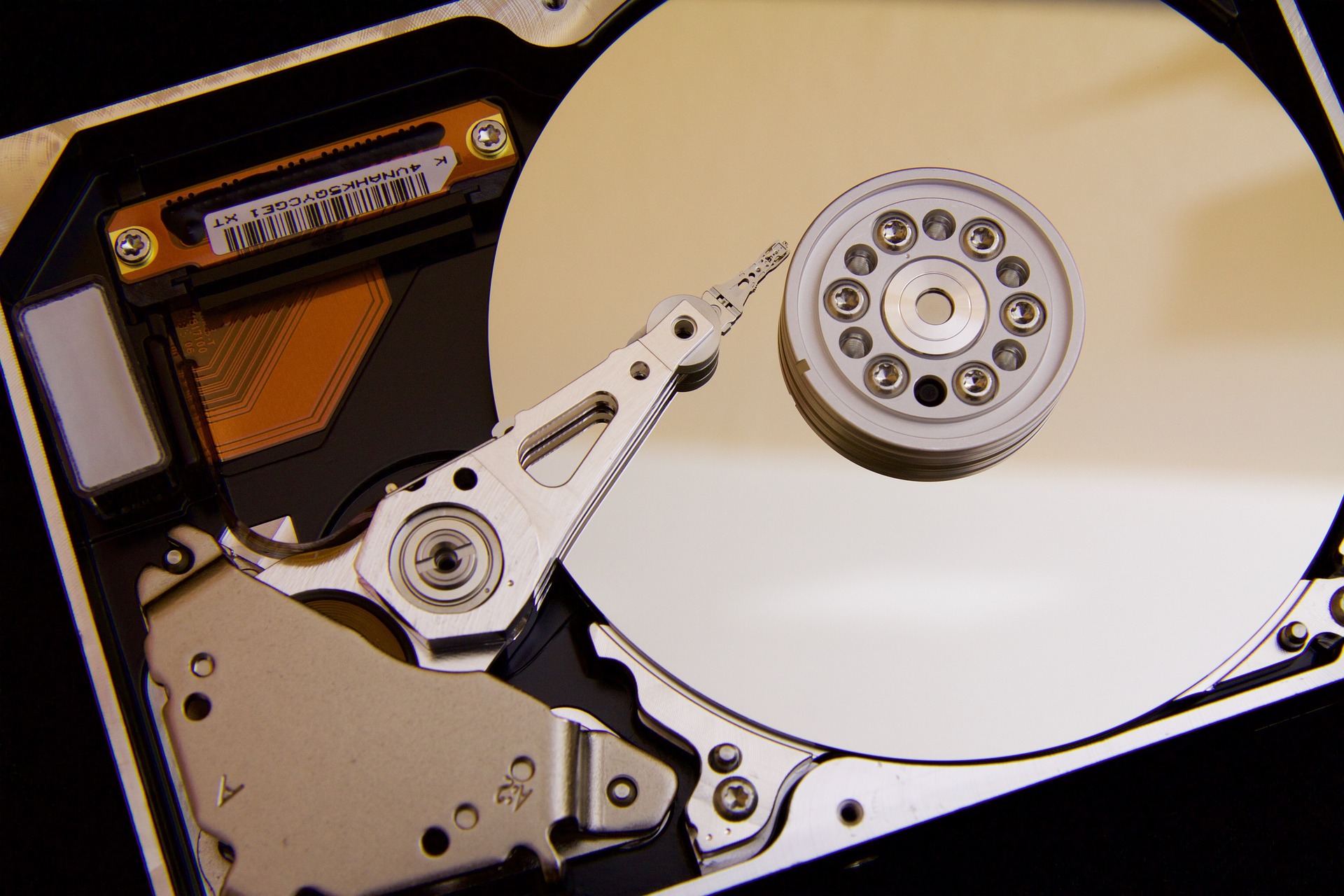
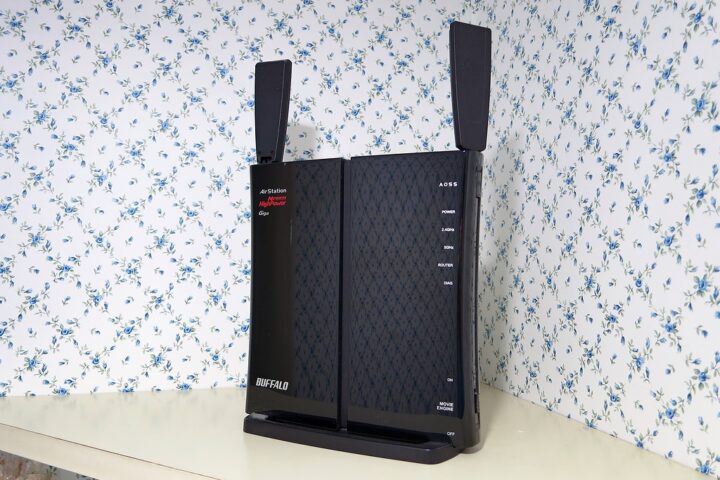
If you want to run a NAS with uncompressed high-resolution audio, as a baseline investment you’ll need at least two SSDs/HDDs of 2TB to 3TB each, one for mirroring. One drive alone would be fine if it never failed… but as everyone knows, if you run an HDD for ten years without ever replacing it, the odds of it failing become quite significant. HDDs in particular vary a fair bit between individual units, and apparently the physical failure rate is highest within the first three years.
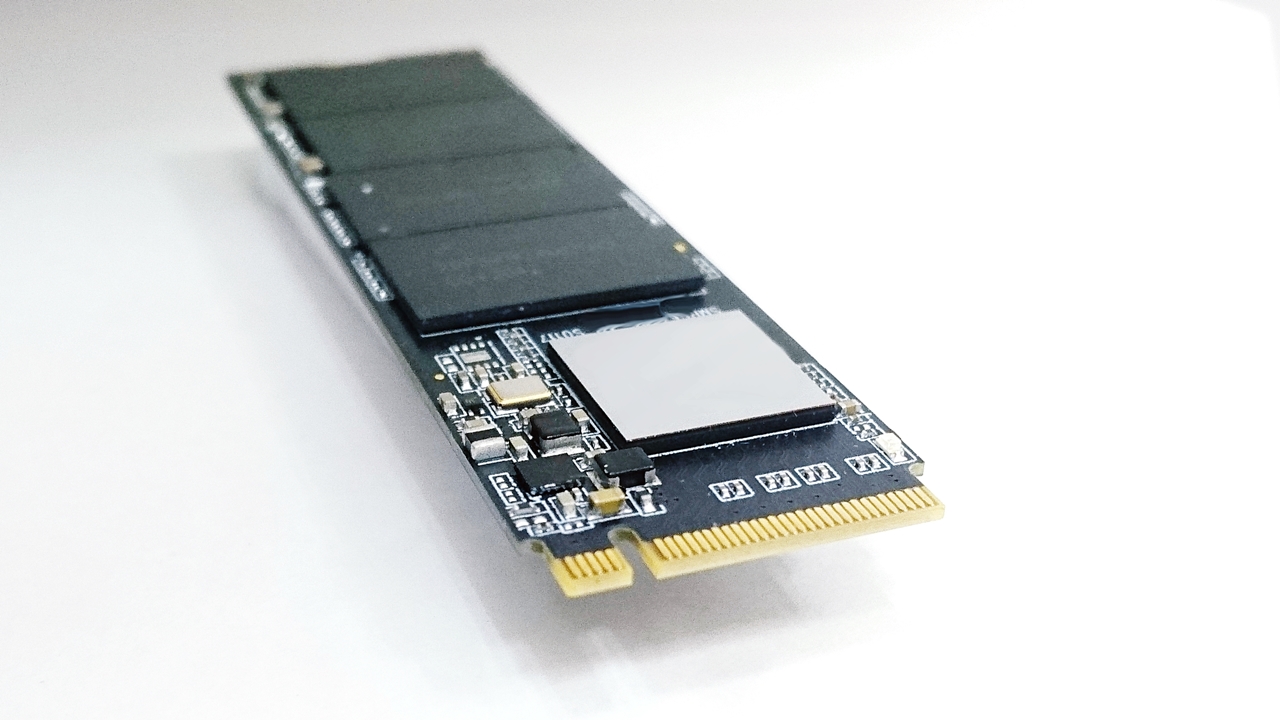
With SSDs, conversely, what’s frightening is that after the manufacturer’s warranty period of three or five years passes, one day the drive can suddenly hit its rewrite-cycle limit out of nowhere. Structurally, SSDs have roughly half the failure rate of HDDs, but if one does happen to fail — whether physically or logically — for whatever reason, recovering the data from an SSD proves even more difficult than from an HDD. In my own case, setting aside the drive built into my DVD recorder, I’ve never actually experienced a physical crash on a PC hard drive, but as I wrote in my entry on data recovery software, I’ve experienced logical crashes many times in the past. Unlike a PC, a NAS is harder to notice when something’s going wrong, and when it does suffer a sudden physical-and-logical crash out of nowhere, salvaging an XFS-formatted volume is, as things currently stand, quite difficult in various ways.
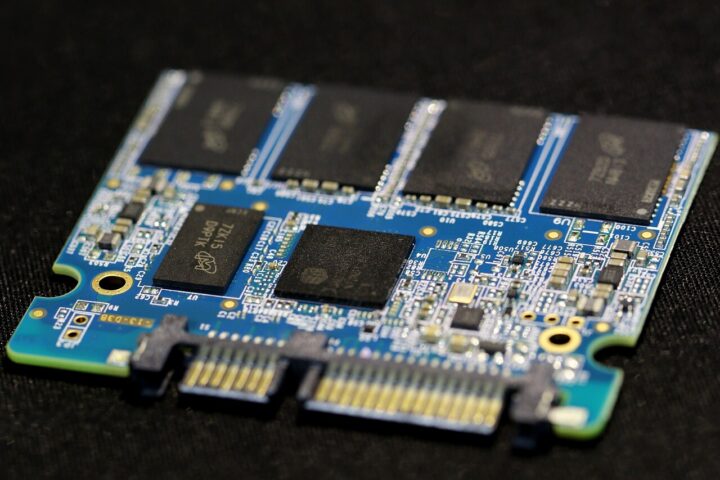
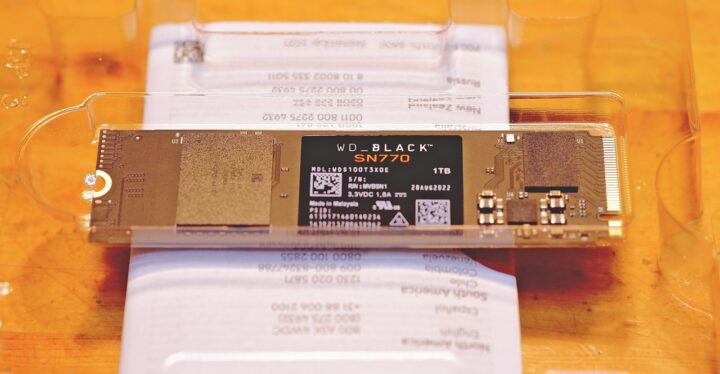
For any brave soul who has, in a situation like this, stored their music purely as data and let go of the original discs, the moment a crash actually happens, they lose their entire music collection in an instant. A common scenario is when routine mirroring fails and both the PC and the backup end up in an all-delete mode at the same time — a “wha—?!” moment that’s no laughing matter. I myself have actually pulled that one off before…
《Below are some site links I found helpful regarding XFS logical failures.》
 ITmedia PC USER: RAID NAS Failure Countermeasures by Manufacturer — Buffalo Editionalways one step forward: A Record of Recovering HDD Data on a Buffalo NAS (LS-CH1.0TL) Using TestDiskNegi Blog: NAS Failures and the Dangers of RAID5Mamono to Issho: A Record of NAS (XFS) Corruption — The Day My XFS-Formatted Data Vanished
In the End, the Original Manufacturer-Pressed Disc Is the Safest Bet
Even if it’s only a few hundred gigabytes, once you’ve been through this kind of experience even once, your motivation for PC audio or network audio just deflates all at once. When an HDD trouble wiped out all my data in an instant, what kept my spirits from collapsing entirely was, in the end, the reassurance of still having almost all the original discs I’d ripped from. Which is to say, a lifestyle of going all-in on network audio or PC audio really is a bit frightening, I have to admit. Having to rip everything all over again… is an almost unbelievable amount of hassle.
To begin with, honestly, I don’t currently have the budget to set aside large-capacity HDDs in duplicate purely for PC audio. (Rather than putting budget into a NAS, there are plenty of other things right now that I need more, or want to upgrade first…) So in reality, all I do is redirect whatever surplus storage capacity comes out of upgrading my PC system itself over to the NAS. This is also a big reason why I haven’t been all that proactive about buying large-capacity high-res audio files. Given that I can only really collect as much as I can afford to store in duplicate, things get tough once the HDD starts running out of room…



Also, when it comes to current-generation, still-early-days network players or PC transports plus DACs in the tens-of-thousands-of-yen class, I personally still feel that SACD players of the same price class — technology that’s had much longer to mature — generally produce SACD playback that’s superior both in sound quality and musicality… Of course this depends entirely on the specific conditions and models being compared, and if you keep pushing network audio thoroughly while exploring new approaches, you can absolutely achieve a quality that need not be ashamed to stand alongside pure Hi-Fi. And yet, the fact that I still can’t quite shake off this lingering psychological resistance makes me think that the essence of this problem isn’t really about the hardware at all, but rather lies somewhere in the relationship between one’s own state of mind and one’s music software…
 Continues in 【CDs and LPs】I Still Love Physical Discs… Optical Media and Vinyl Records【SACD】.
【NAS Down: HDD Logical Crash】
Part 1|Part 2

Auto Translated by CS5