【ONKYO DAC-1000 D/A Converter Review】
Part 1|Part 2 |Part 3|Part 4|Transport (First Half)|Transport (Second Half)
Here at last is the PC transport instalment. I suspect that many of you reading this blog are less interested in integrating the DAC-1000 into a pure Hi-Fi system and more interested in how it performs for PC audio — so from here I thought I’d go into some detail about how it fares as a DAC in a PC audio setup.
First, the DAC-1000’s digital inputs support USB input in addition to S/PDIF coaxial, optical, and XLR connections. This USB connection uses asynchronous transfer mode, which is said to offer a sound quality advantage over other conventional USB DACs. Asynchronous transfer is a transmission method that ONKYO was the first in the world to implement in a consumer product. Rather than relying on the sending PC’s clock — which is considered to have high jitter — it synchronises using the clock on the receiving DAC side, which offers greater timing accuracy and incorporates measures against external noise. As a result, data errors attributable to the sending side are fewer than with the standard isochronous transfer method that uses synchronous mode, making it a more favourable transfer method in terms of sound quality.
Some high-end pure Hi-Fi D/A converters handle USB input by routing it through a simplified internal DAC circuit, treating it as entirely separate from the multi-input D/A conversion chain — but that is not the case with the DAC-1000. While the maximum supported sampling rate does differ depending on which input terminal is used, the fundamental sound quality via USB is capable of matching the standard of the other digital inputs. The DAC-1000 is, in other words, designed from the outset to deliver its full capability not only in a pure Hi-Fi context but also as a DAC for PC audio use.


 ポチップ
ポチップ
Right, that’s probably enough of a technical preamble, which is not really my strong suit — so let me move on and report below on what connecting the DAC-1000 to a PC actually sounds like.
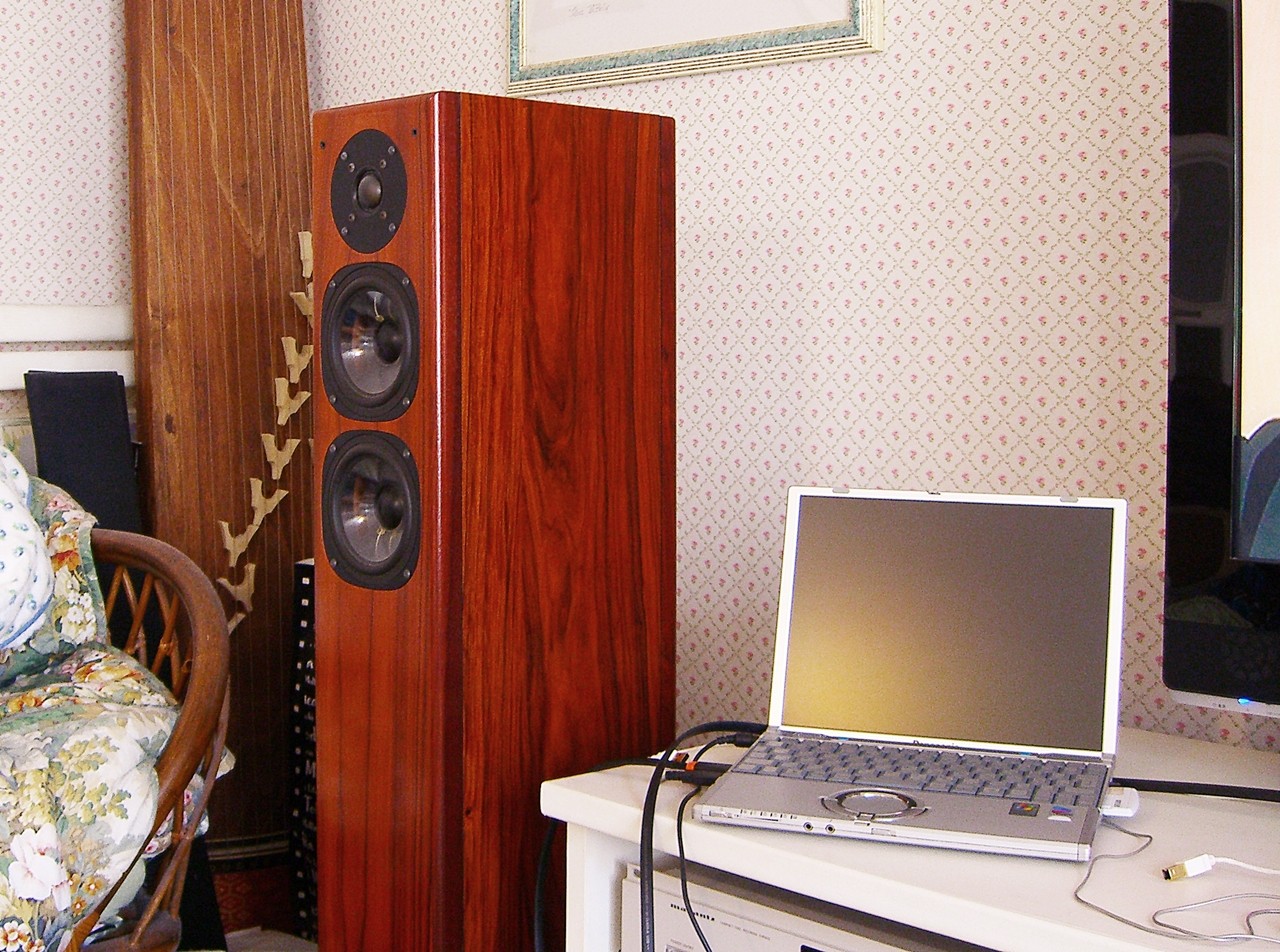
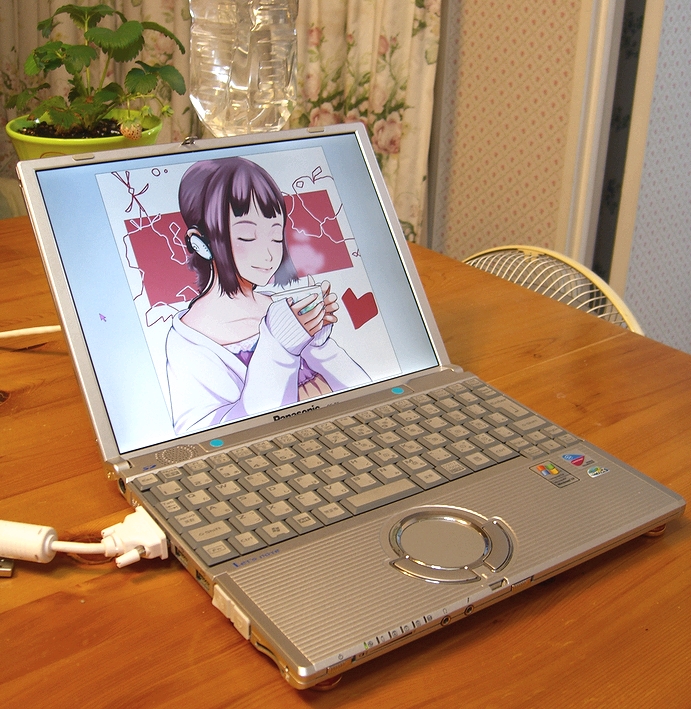
Laptop: Panasonic Let’s Note CF-T2
After seven years of service as my sub-notebook for writing this blog since I bought it in 2004, this machine finally had to be retired due to a fault — but after taking it apart and patching it up myself, it now lives on as a spare machine and music server for PC audio. The OS is Windows XP and it has a fanless chassis. The music data itself is stored mainly on an HDD connected via USB to a router on the network, used as a makeshift NAS; the CF-T2 reads from that over wireless LAN (802.11a) and plays back through AudioGate or ASIO4ALL/LILITH. With this setup, there is almost no HDD access on the laptop itself during music playback. Battery operation is also possible, physically isolating the AC power supply of the audio equipment including the DAC-1000 from the PC. It connects to the DAC-1000 via a USB cable, though a dedicated driver provided by Onkyo must be installed first.
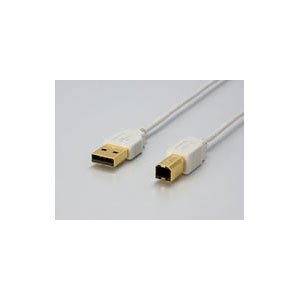
Personally, I have a strong aversion to lossy compression, so nearly all my music data consists of uncompressed WAV files ripped from my own CDs. Lossless compression formats are something I will need to test separately at a later point, so I have left them out of scope for now. In addition to that, for high-resolution sources beyond CD quality, I used HD download files in 24-bit/96kHz (or DSD) purchased with a coupon from e-onkyo music (※ received as a complimentary coupon when I purchased the DAC-1000 at the time), as well as tracks purchased previously. The USB cable used for the connection was the ultra-slim iBUFFALO Arvel USB Slim Cable AUS10WH that I introduced previously, 1 metre in length.
My overall impression of the sound quality with the Panasonic CF-T2 is that it comes across as rather subdued and quiet compared to the various CD player transports discussed previously. The tonal character is something like a roman grey — a matte, darkish, restrained sound. Being digital, in the very first instant of listening it can sound as though there is no difference at all from a CD transport, but if you listen on for a few minutes you notice that the transport makes a considerable difference to how a piece of music comes across. The sound via the CF-T2 is tonally stable, one might say, but the colours never become particularly vivid. Music flows by in a sort of monotone, unhurried way. The sense of background information — hall tone, specifically — feels considerably reduced compared to a CD player. And there is a slight blurring or bleeding of the soundstage image. The edge definition of individual sounds is sharper with the C-S5VL connected via TOS-Link cable, and when you listen closely the transparency of the reverb is on an entirely different level. To put it in an image: it is like looking down into water and finding that the depth to which the light reaches is simply different.
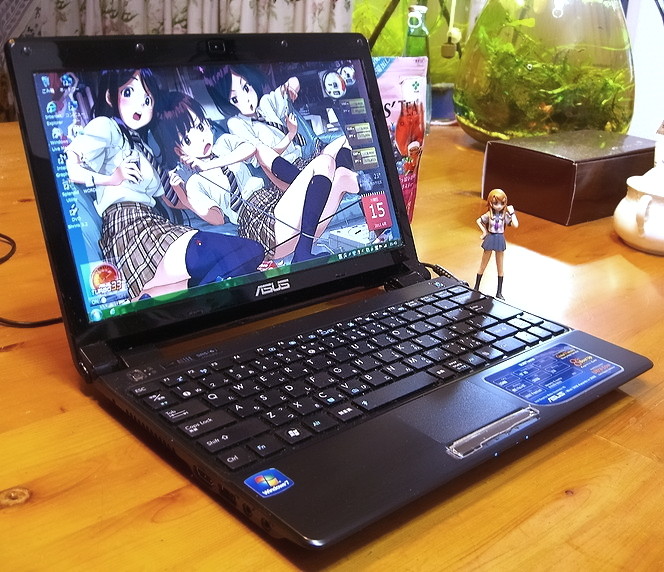
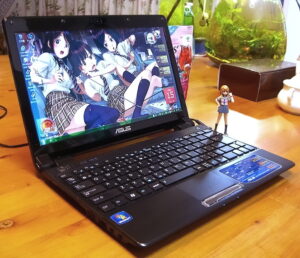
Laptop: ASUS UL20FT
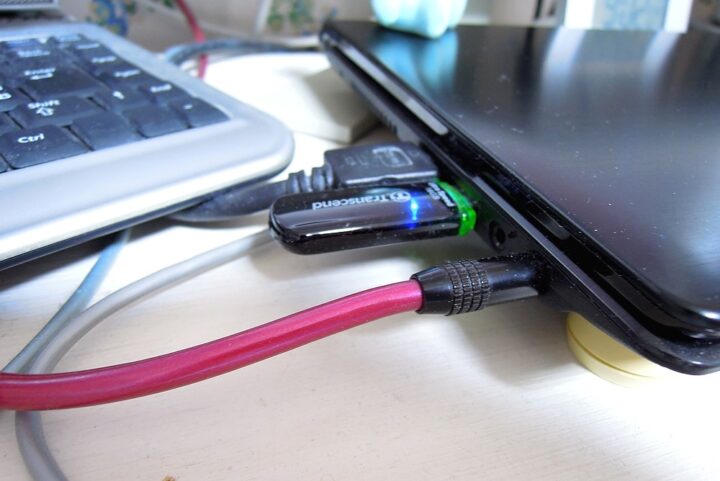
Next, keeping almost all other conditions the same, I swap out the PC from the Let’s Note CF-T2 to the ASUS UL20FT, which I had just purchased as its successor. The OS is Windows 7. Unfortunately this one has a fan. ASUS is a Taiwanese manufacturer, but beyond handling OEM production for many Japanese brands, it has also shown a notable dedication to sound quality in the PC audio space — collaborating with Denmark’s BANG&OLUFSEN ICEpower to release high-quality audio PCs, among other things, as I have touched on elsewhere on the blog. The data access method, connection method, and everything else is the same as with the CF-T2. Being a mobile CULV notebook, it naturally runs on battery power. The only difference is that the wireless standard is 802.11g rather than 802.11a.
One might want to say that since it is PC audio, the sound quality should be more or less the same — but in reality the sonic character was quite different from the CF-T2. The ASUS UL20FT’s sound has a slight push in the midrange and upward, with greater density in the direct sound and a stronger sense of energy than the CF-T2. By comparison it has a warm, rich quality with a somewhat analogue-ish touch. The CF-T2 may have the edge in terms of Hi-Fi accuracy, but this one might actually be more enjoyable to listen to. That said, there is insufficient transparency and the high-frequency information feels lacking — it is narrow in range and on the lo-fi side. The sound quality puts one in mind of a CD player from twenty-odd years ago, paying homage to analogue. Spatial information in particular is presented in an even more tidied-up manner than the CF-T2, so it is unfortunately difficult to call this straightforwardly high quality.
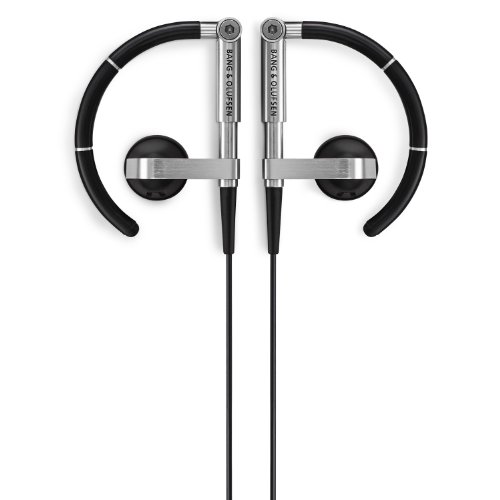
The Bang & Olufsen A8 is my reference earphone for walking about outside.
 ポチップ
ポチップ
The PC audio sound of the ASUS UL20FT was, unfortunately, nothing at all like the avant-garde, metallic, glittering sound of B&O ICEpower products.
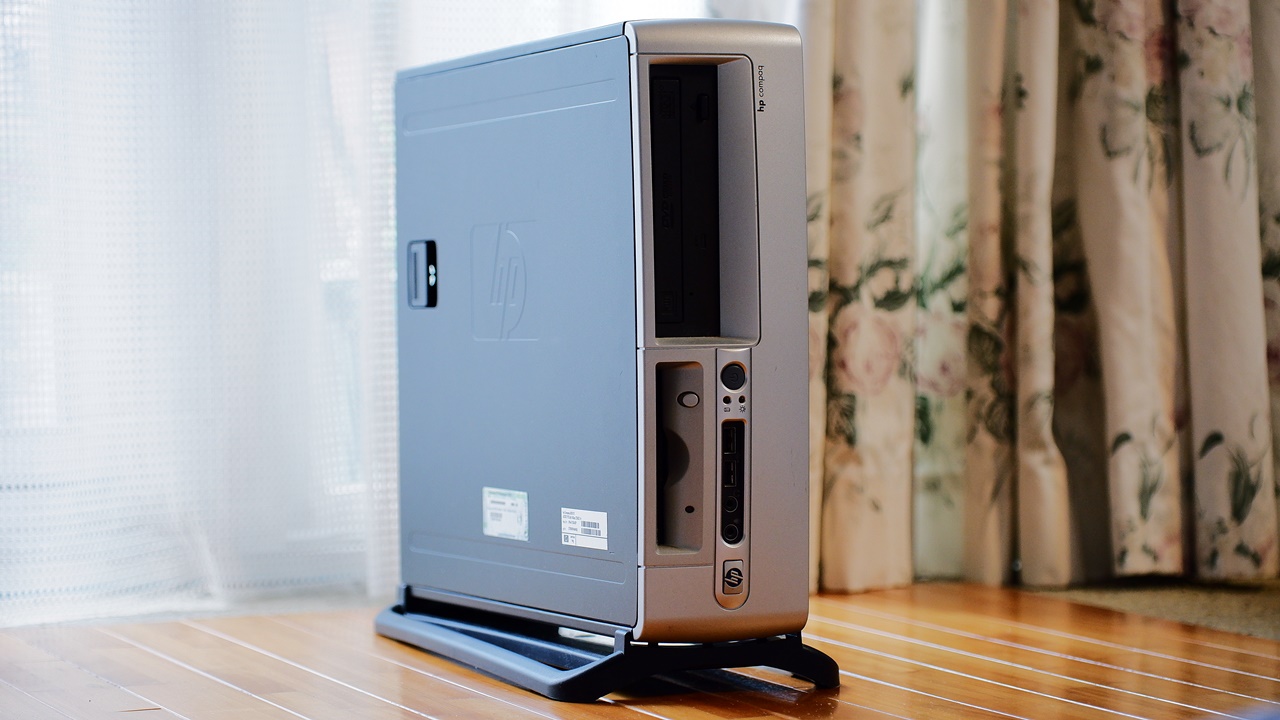
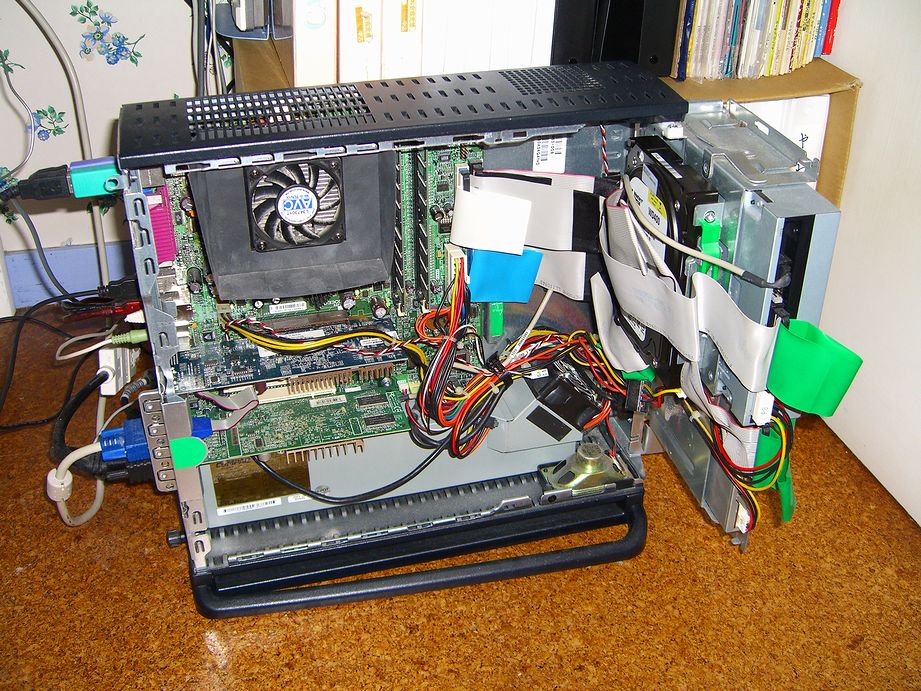
Desktop PC: HP Hewlett-Packard d330 (Modified)
Hmm… The information density is wider in range than either of the two mobile notebooks above, but beyond that the sound is murky and the S/N is poor, with a cluttered soundstage. Whether what I am hearing is granular detail or simply noise is genuinely hard to say. It is true that this machine has two graphics cards fitted — which are said to have a seriously adverse effect on sound quality — and it has been modified to the point where it barely resembles its original form, but it does make me wonder whether desktop PCs might simply be the worst possible platform for PC audio use.
I say that with somewhat theatrical surprise, but honestly I had anticipated this to some degree. When I was running PC audio on a desktop without giving it much thought, my reaction was along the lines of: PC audio sounds terrible, I feel sorry for the people who are happy with this — and I was watching from a comfortable distance on the other side of the monitor. But then, when I switched my main PC from a desktop to the ASUS UL20FT notebook in early summer, the sound quality of my desktop PC audio setup had in fact changed dramatically as a result. Simply by switching to a laptop — the sound that had been so bad I couldn’t bear to listen to it even in passing became something I could at least tolerate listening to.
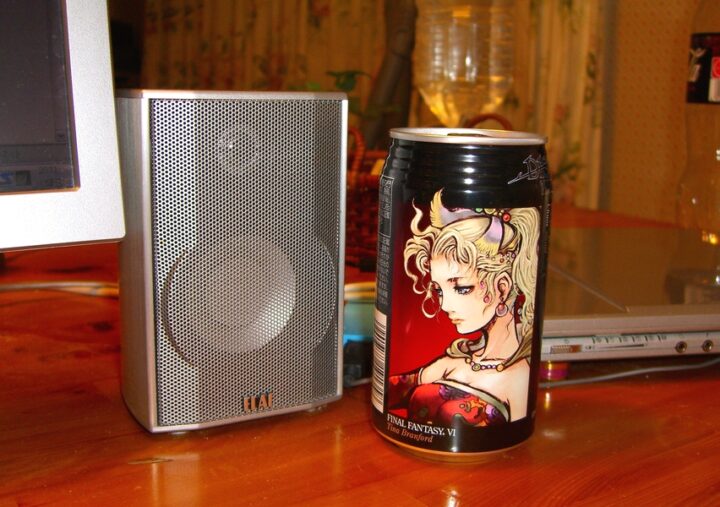
This entry took two days to write, and then required substantial revisions on top of that, so I am rather exhausted at this point. That said, this is the final instalment in the series of consecutive entries on the Onkyo DAC-1000. The DAC-1000 continued to be sold for quite a long time afterwards, but it has since been discontinued, and these days second-hand prices have not fallen — if anything they have risen above the original retail price, which I find rather melancholy in the way of modern life. It seems unlikely that we will see another DAC at this price point with this level of component investment. But in any case, the next topic will be “Can PC Audio Surpass the Sound Quality of a CD Player?” — so please look forward to it.
【ONKYO DAC-1000 D/A Converter Review】
Part 1|Part 2 |Part 3|Part 4|Transport (First Half)|Transport (Second Half)

Auto Translated by CS4.6

List of comments (2)
DDCによるデジタル入力とUSBの対比、またデジタル入力でCDPに対し遜色は如何とか色々興味あります。続きを楽しみにしています。
>DDCによるデジタル入力とUSB
これ、DAC-1000ではアシンクロナス伝送でリクロックしますので原理的にはたぶん無意味です。UD10.1自体の固有音とか、デジタルケーブルの違いによる音質差を敢えて創り出すことは出来ますが、シンプルイズベストでは無くなりますよね。どこまでがDDCの効果か、単にケーブルが違うから音が変わるのか判別できませんし・・・そもそもDDCってデジタルケーブルの銘柄違いと比較してももっと小さな差しか出ないです。殆ど精神衛生上・・・あった方が良いよね的な。Trends Audio以外のDDCでは違うかもですが、今のところスタイルオーディオやリンデマンのDDCを使われている人も効果は割と小さいってレビューが多いですよね。