【Which Music Playback Software on PC Sounds Best?】
CDP|Part 1|Part 2|Part 3|Bonus
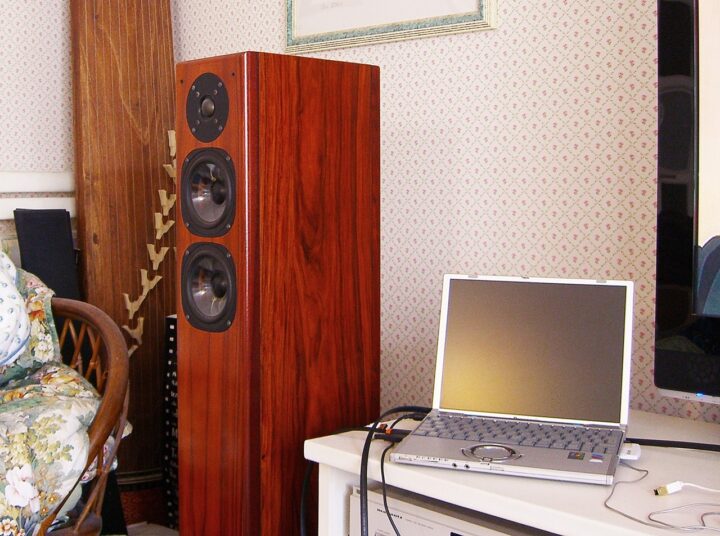
In DAC-1000 Sound Quality Differences by Connected Transport (Part 2), I touched on how even when the DDC, DAC, digital amplifier, and speakers connected via USB remain exactly the same as before, the sound changes completely when the PC itself is different. Even with identical software, there are many latent hardware-level problems on the PC transport side, and it seems that the quality of PC audio can vary enormously depending on the host machine. I have a feeling that the fundamental bottleneck lies in the PC hardware itself — to such a degree that software-side things like LILITH, ASIO, Foobar2000, AudioGate, and the like are almost trivial by comparison…

What About a High-Quality Sound Card Fitted Inside a Desktop PC?
Even so, pairing a fine DAC such as the  DAC-1000 — which uses asynchronous transmission — will of course produce sound befitting that DAC. But it does seem a bit of a waste to go to the expense of a high-quality D/A converter and then leave it in a situation where the PC is holding it back, preventing you from drawing out the DAC’s true sonic potential.


 ポチップ
ポチップ
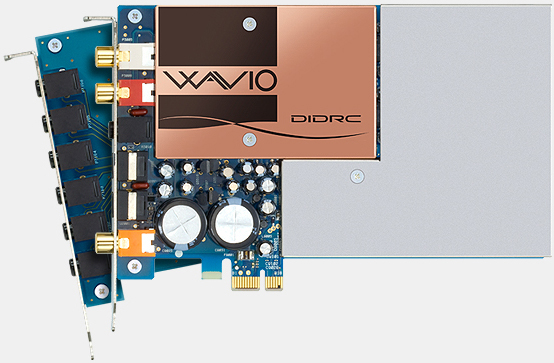
I understand that a desktop PC, if addressed carefully and methodically, can be improved. There is the option of fitting a well-engineered sound card inside the PC — something like the ONKYO SE-300PCIE, which incorporates thorough acoustic countermeasures — and when you factor in the trial and error of semi-custom building and customising the machine itself, that approach is certainly an interesting one. But when sound quality and music are the primary goal, the fact remains that a PC is, by its very architecture, at a serious disadvantage when it comes to power supply and noise management.
Getting the Digital Transfer and Analogue Conversion Away from the PC Itself
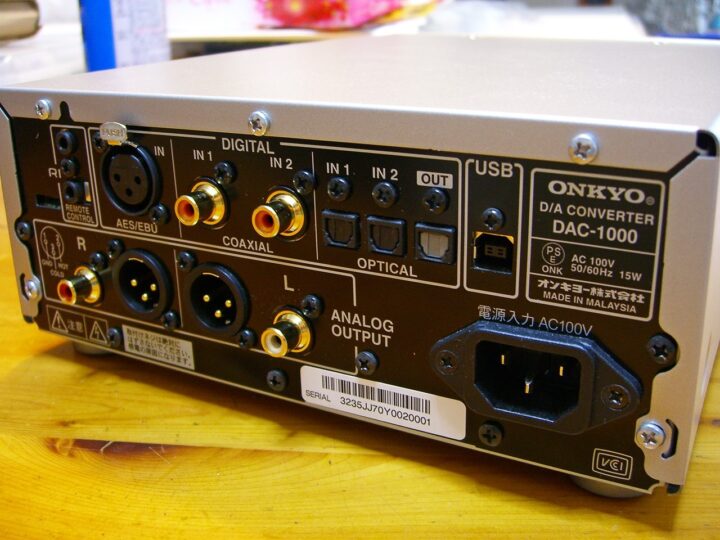
In that case, the thinking goes: get the digital data out via USB or TOS as quickly as possible, and leave everything from D/A conversion onwards to an external DAC that is less susceptible to the PC’s influence. This is the approach behind the currently fashionable trend of using a standalone external DAC to improve PC audio sound quality. I do rather feel as though the media has been whipping people up into a frenzy about it, but never mind…
Yet even when you make the post-DAC stage electrically and physically as separate from the PC as possible — relying on an external module — the jitter in the digital waveform, noise on the ground line, and various other occult-ish unknowns that seem to stem from the instability of the PC’s own output (transport) side prove surprisingly difficult to escape. This is the dilemma I find myself stuck in at present.
A Case for Using a Laptop as a Digital Transport

Amid all of this, I found myself wondering — if you want reasonably good sound from PC audio without too much fuss, might a commercially available netbook or mini laptop actually be the quickest route to get there? My sample size is small, so I cannot say anything definitive, but a mobile laptop running on battery for extended periods avoids the various noise sources inherent in AC power — and even on AC adapter power, that unmistakable sense of power-supply contamination you get with a desktop PC is, curiously, not something I perceive audibly. Mobile laptops run at low voltage with low power consumption, so internal noise levels are likely to end up lower, the GPU is on-board, and closing the laptop lid makes it easy to disconnect the display entirely.
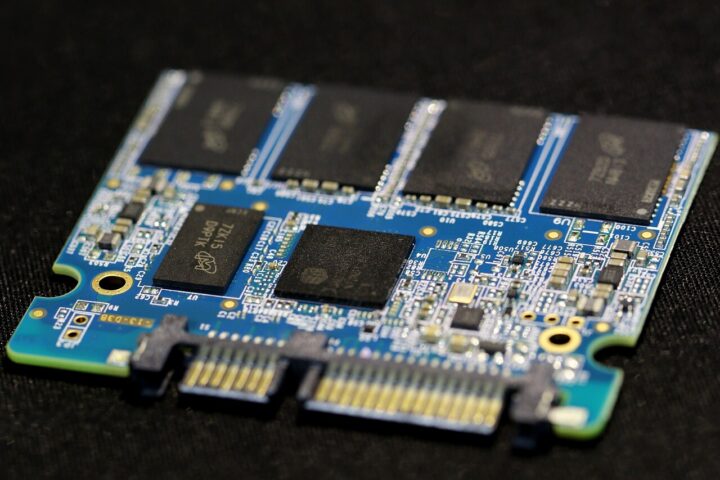
Essentially, all it needs to do is receive data over a fast wireless LAN, so there is almost no HDD access during playback. If you want to eliminate HDD rotational noise at the root, you can always swap in an SSD — and so on. Just thinking about it briefly, the benefits that would require considerable effort to achieve on a desktop PC are already built into a laptop from the start. You could take a retired Panasonic Let’s note, dedicate it to use as a wireless music server, and strip out all the OS functions that might introduce unwanted noise into the audio.
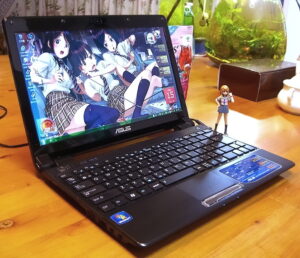
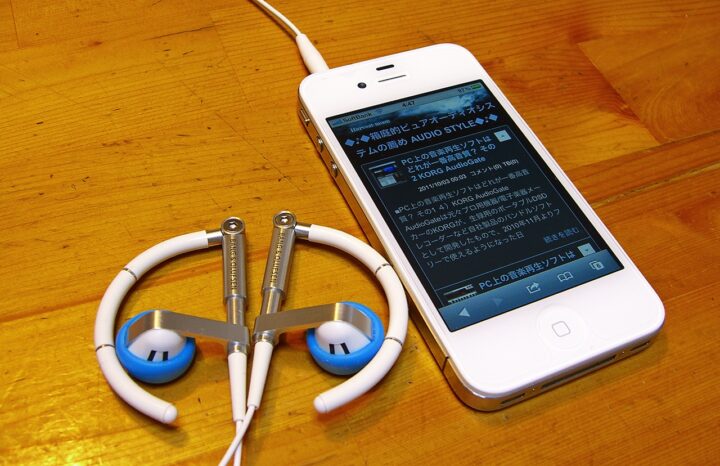
So which laptop actually sounds good, then? Fanless is probably better, SSD is probably better — I think those things hold true — but I suspect the real answer lies somewhere else entirely. With the Let’s note CF-T2 or the ASUS UL20FT, you can say they are usable to a reasonable degree, but if pressed on whether they are actively good-sounding by my own standards, I have to be honest: the answer is no. That said, they both sound considerably better than my iPhone 4…
Update: While experimenting with AudioGate and Lilith on the ASUS UL20FT, I only just realised that using WASAPI as the driver makes a world of difference to the sound. I had been thinking ASIO on XP might do the job, but it seems that — quite apart from any differences between players — whether or not you can use WASAPI within the OS has a rather large impact on sound quality, more so than anything I had noticed before. So, when using a mobile laptop for music playback, Windows 7 is the recommended choice if at all possible. As for Mac — I honestly don’t know.
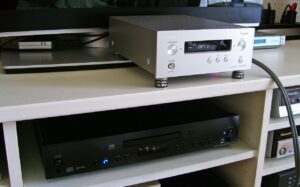
Comparing the Digital Output of a PC and a Standalone CD Player Through the Same DAC
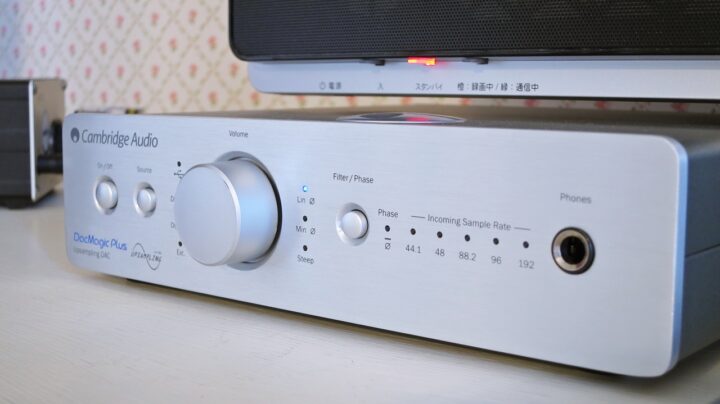
So — connecting the ONKYO DAC-1000 as a USB D/A converter to my everyday PC, my impression was that — in my environment, at least — the PC had not quite caught up to the point where it could draw out the DAC-1000’s full potential. How that sound quality level compared to the CD player transports mentioned earlier — well, at this point in time, it looks something like this:
CDR630 ≒ C-S5VL > EVO-CD ≒ CREEK CLASSIC CD Player
>>> An Uncrossable Wall >>>
UL20FT ≒ CF-T2 > TL5100Z >> HP d330
It might be entertaining to crow something like “Pure audio absolutism wins! PC nerds, eat that!” — but there is a twist at the end if you read through to the finish, so…
Regarding the results above — in fairness to CEC’s reputation — the TL5100Z clearly had a poor synergy with the DAC-1000, resulting in a sound that was like oil and water, and so strictly speaking it should be treated as outside the scope of comparison. CEC’s belt-drive transport, when it is well-matched with the DAC, should by rights be producing by far the best sound of any drive mechanism in my collection — please do not mistake this result for a general assessment of the transport’s quality. With a conventional linear-tracking CD player, I do not think this sort of incompatibility would normally arise. >>>Category: CEC
The TL3N (current successor model: CEC TL3 3.0) finally adopts the double belt-drive system for both spindle and pickup — previously reserved only for CEC’s top-end transports such as the TL1N and TL0. And it marks a return to domestic Japanese production for the first time since the TL5100Z. I want one desperately. In the case of the TL5100Z, the pickup section uses a conventional direct-drive arrangement.
 ポチップ
ポチップ
Regrettably, my honest assessment is that it remains very difficult, with a PC whose digital output lacks specific high-quality countermeasures, to surpass the digital output quality of a CD player sitting at a reasonable level or above — even when using the same DAC. Even pairing a state-of-the-art, high-performance DAC like the DAC-1000 with a PC, the raw transport quality of the PC hardware in its unmodified state still struggles, I feel, to match even the TOS optical digital output — the most sonically disadvantageous S/PDIF format — of a CD player in the ¥60,000–¥200,000 range.
 ポチップ
ポチップ
The old story of the original PS3 being able to play SACD took on a life of its own for a while, and the same kind of logic was doing the rounds then too — but let us set aside the sleight of hand of comparing things using different DACs and then claiming the PC (or PS3) sounds better. It goes without saying that if you swap in a better DAC from that point onwards, a PC will easily beat a poorly made (or cheap, or antiquated) CD/DVD combo player with its built-in DAC. It is equally inevitable that using a high-end DAC costing tens of thousands with a PC transport will yield correspondingly good sound — as the DAC-1000 itself demonstrates.
Ayre QB-9 DAC 192. At this price point, committing to USB input only is quite a bold decision. Since you cannot run a direct parallel comparison with existing CD/DA transports, perhaps that is good for one’s peace of mind.

But I would rather people did not quietly gloss over the fact that, if you connected a well-made CD player or standalone transport to that same high-end DAC, the result would be even better. The sound quality of the digital transport and the sound quality of the analogue stage from the D/A converter onwards should be considered as clearly separate matters.

That said, PC audio is advancing rapidly, and a great many approaches are being explored. I do believe that, with progress on both the software and hardware fronts, the day will come — within a few years — when PC audio catches up with and then surpasses the sound quality of CD transports. But I rather suspect that when those high-quality PCs appear, they will end up following a path that borrows, to some degree, from the Hi-Fi approach. Without doing so, I simply cannot see how they will ever surpass the sound of a carefully developed mid-to-high-end CD player (or CD transport). A well-made high-end CD transport or CD player operates on a completely different level — that is the reality of it.
 ポチップ
ポチップ
The Key to PC Audio Is Improving Sound Quality as a Digital Transport
And yet, it would not be very interesting to simply give up on PC audio here. The real question is whether a PC can actually break through what I called the “uncrossable wall” set by CD players. I think this problem, when using a PC as a digital transport, can be broken down into two separate issues: the software side and the hardware side. It is something that only tends to be well understood by those at the furthest reaches of the audiophile world, but the qualities and high-fidelity approaches that Hi-Fi and high-end audio produce — as one can see from the CD transports I introduced above — are, in the majority, the result of mechanical ingenuity on the hardware side.
ポチップ
Hi-Fi audio treats audio equipment, in a sense, as a total instrument for reproducing sound — attending not only to circuitry and noise countermeasures, but also working through vibration and various other occult and indeterminate factors by ear. Since the final output is a loudspeaker — an object that is, by any reckoning, a “musical instrument” — it necessarily follows that one must understand the whole thing in terms of vibration and resonance: the space in which the music plays, and the chain of devices connected to it. This hardware-side approach is, in essence, no different whether you are talking about PC audio or Hi-Fi — the fundamentals of what can be done are the same, so long as the aim is to truly enjoy music at its best. Though of course there are those whose primary aim is something else entirely.
The software side, however, is a different matter. The Hi-Fi world still uses the fossil-like 16-bit/44.1 kHz CD-DA standard, unchanged, and I believe that in terms of reading and transferring that data, PCs — if the software side is handled correctly — have the potential to hold a considerable advantage. In fact, I think they already do. My suspicion is that the reason PC audio has sounded poor up to now is precisely because things have been going wrong at this fundamental first stage.

Based on my own experience, I think it is reasonably possible — by arriving at the optimal software solution — for a PC to match or even exceed the performance of entry-level CD players or DVD players that lack thorough noise and vibration countermeasures. This is purely in terms of the digital transport, mind you — the sophistry of claiming to surpass something by relying on an AV amplifier or DAC is not what I mean here.
The reason I deliberately said entry-level is that, for anything beyond that, I believe a PC would ultimately require the same kind of hardware-based sound quality improvements as Hi-Fi. To frame it in audio equipment terms: could you, with an inexpensive universal player, coax out mid-range or high-end CD player-level sound through clever modification? That would be extraordinarily difficult. And even if you managed it, the cost of the creative measures involved — cables, power accessories, Hi-Fi insulators, and so on — would dwarf the cost of the player itself, things would start looking rather extraordinary, and you would end up with a classic case of losing sight of the original purpose.
For a PC — which was never designed as a dedicated music machine — the challenge is even greater than that. Given all of this, if the aim is to do things smartly, without sacrificing the convenience of the PC or spending large sums in a self-defeating way, then for now, the approach I can personally accept as a reasonable compromise is to use a Windows netbook or mini laptop and pursue the best possible outcome on the software side.
First, Let’s Try to Raise the Floor with Free Music Playback Software
While I was going round and round like this, KORG AudioGate — which was made available for free last year and had already caused something of a stir in certain circles for its DSD support and high sound quality — added WASAPI (shared mode) support in version 2.2, released on 1st September. I have been streaming background music from my PC using AudioGate + WASAPI every day since, and the sound quality is honestly a bit alarming — in the best possible way.
……Could it be that the “uncrossable wall” has actually been crossed!?
So, next time I plan to take a closer look at music players for PC audio.
【Which Music Playback Software on PC Sounds Best?】
CDP|Part 1|Part 2|Part 3|Bonus
 Category: Desktop PC AudioCategory: D/A Converters — aka DACs
Auto Translated by CS4.6