【A Closer Look at Network Audio Players】
Introduction|ONKYO|Pioneer|DENON|Definitions
A bit late to the party, but let me go over this here. When it comes to the definitions of PC audio and desktop PC audio and network audio (net audio), there seem to be quite a few cases where things aren’t entirely clear, or where people have only a vague sense of what’s what — so in this article I’d like to explain how the author of this Miniature Hi-Fi blog defines PC audio and network audio.
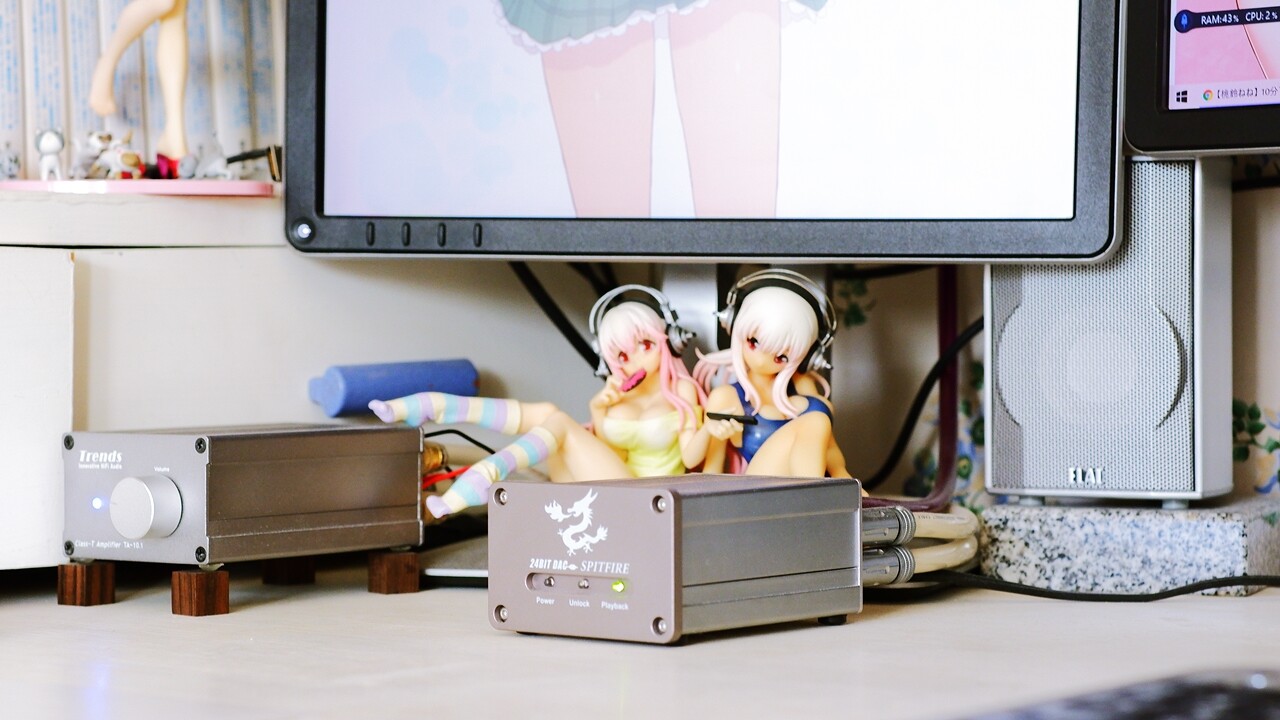
If you’re playing music on a PC, then even a cheap built-in mono speaker counts as PC audio in the broadest sense — but when we deliberately use the term “audio,” I think the definition of PC audio is using a computer as the playback hub and playing music through external speakers or an amplifier (including powered speakers) of a quality that can genuinely be called a standalone Hi-Fi component. There are various approaches to improving sound quality: upgrading the PC’s internal sound card, introducing a standalone external DAC, adding a dedicated headphone amplifier, using higher-grade cables such as audio USB cables, or transmitting wirelessly to audio equipment that is physically and electrically isolated from the PC.
One of the key advantages of PC audio is that, for digital music sources — CD (PCM), SACD (DSD), DVD-A, Blu-ray Audio, DAT, DCC, MD, MP3, WMA, AAC, and so on, including compressed file formats — you don’t need a dedicated physical transport for each individual data standard or hardware format.
What Is Desktop PC Audio?
Within the broader world of PC audio, what this Miniature Hi-Fi blog defines as “desktop PC audio” is specifically the kind of micro desktop audio setup where speakers are placed to the left and right of a PC desk, music is played back via a high-quality music player running on the PC, and the same system also handles everyday PC system sounds.

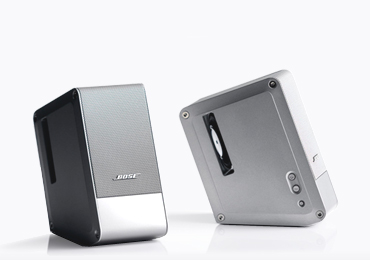
There’s no specific size restriction on the speakers, but once you factor in fitting them on a desk alongside a PC and display monitor without getting in the way, there are naturally some practical limits to how large the connected components and speakers can be. So rather than full-size components in the standard Hi-Fi, AV, or professional format (roughly 43 cm wide, unlimited depth), the main system for achieving desktop PC audio consists primarily of ultra-compact audio components designed specifically for high-quality desktop PC audio use, as well as small audio components from the consumer or professional world — specifically, micro-components ranging from palm-sized up to around 20–30 cm wide at most.


 ポチップ
ポチップ
What Is Network Audio?
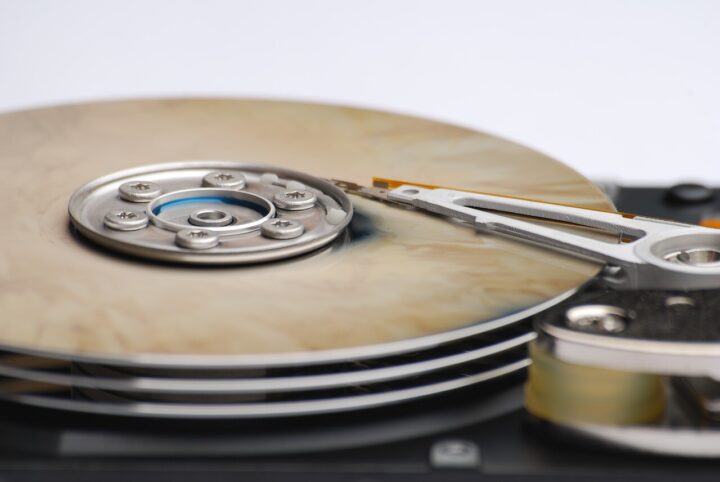
In addition to receiving and playing back internet radio and subscription services and music streaming over the internet, network audio involves building a NAS (“network attached storage”) (an external HDD or SSD server dedicated to music data, operating independently from a PC) as storage for downloaded or ripped music. The term refers to an audio system capable of transmitting music sources from that local server to various music players over a private network via wired or wireless LAN for playback.

However, as with PC audio, using a general-purpose PC as the player (running whichever music playback software you’ve installed) makes it quite difficult to achieve sound quality on a par with, let alone better than, traditional dedicated playback devices such as CD or SACD players. The more you compare it against a high-end audio system with careful attention to power supply and noise management, the harder it is to deny that the gap in sound quality between a dedicated audio playback machine and a general-purpose PC transport tends to widen. There are cases where PC audio does achieve sound quality equal to or better than pure Hi-Fi, but the technical and financial hurdles involved seem rather high. ※ For what it’s worth, my current feeling is that keeping the PC out of the playback chain makes it easier to achieve better sound quality at lower cost.

So, to define network audio in the stricter sense that an audio enthusiast would use: strictly speaking, I think it refers to a system in which a dedicated standalone network player, designed specifically for audio use, plays back NAS or internet-streamed music sources directly — “without passing through the internal processing of a general-purpose PC.” It works without a computer at all — and indeed, keeping the PC out of the chain entirely is what makes it the real thing, the ideal form of a network audio system, one might say. A PC audio setup connected to the internet already has, in principle, the network audio functionality needed for music streaming, internet radio, and local music file playback. However, in the narrow sense that a pure Hi-Fi enthusiast would use, network audio means a system that deliberately excludes the PC, directly linking a dedicated network audio playback device with the internet and a NAS on the network (a private music server), in order to play back music at higher quality.
 ポチップ
ポチップ
How deep you go into network audio from a Hi-Fi standpoint, I think, comes down to how deeply you can embrace the sense of liberation that comes from decluttering your physical media collection — but for me, with a brain running on 16-bit and already full to the brim with old-school Hi-Fi purism, this turns out to be a very difficult psychological question, as described below.
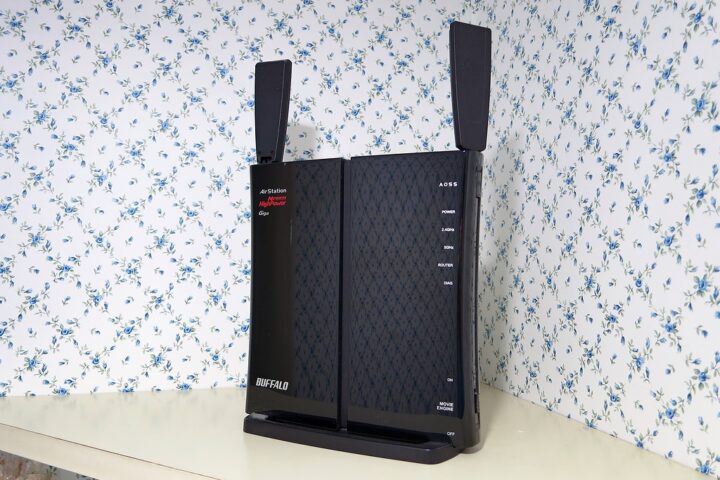
At present, I have a setup that combines a simple NAS using a BUFFALO wireless LAN router, the WZR-600DHP, with a desktop PC audio system — which, definitionally speaking, is a network audio arrangement that’s a little dubious as far as pure Hi-Fi is concerned — but I haven’t yet been able to take the plunge and invest in a proper standalone network audio player.
Advantages and Disadvantages of Network Audio
To list the advantages of network audio specifically:
… I think it more or less comes down to these four.
1. No effort needed to purchase music sources — extremely convenient
With physical media such as CD, SACD, and LP, you actually had to go and buy the music or album you wanted — either in a shop or through an online retailer. The barrier to purchase is high: you either have to make the trip to a physical store, or, even with online shopping, there’s a lag between placing the order and the album arriving in your hands. And since purchases are essentially album-by-album, the cost adds up for anyone who just wants individual tracks. With a flat-rate streaming service, being able to listen to what you want whenever you want without worrying about your wallet is a genuine advantage.
2. There are recordings that will presumably never be available on physical media
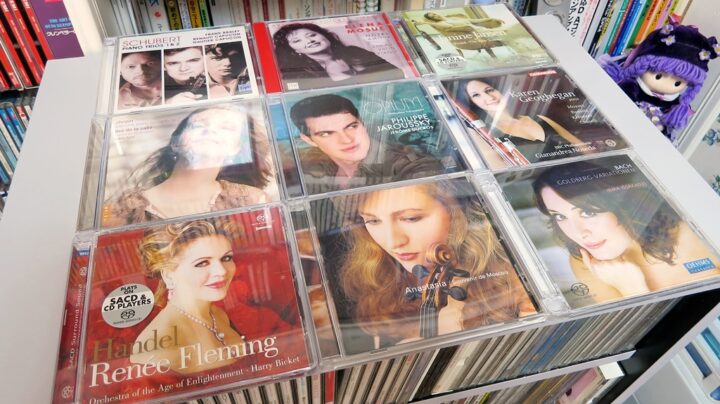
If a high-quality hi-res recording is only available through download, then of course you’d go ahead and download it. That said, as things stand in 2022, there are still far more recordings that can only be obtained on disc — CD, SACD, LP — than recordings that can only be heard through streaming. This is especially noticeable with niche repertoire such as classical music. Physical optical media, even after going out of print, tends to turn up in some shop’s stock or in the second-hand market more often than not — but streaming-only releases, if they disappear, that’s that. Will this situation improve going forward?
3. You can listen to hi-res audio that goes beyond the CD format
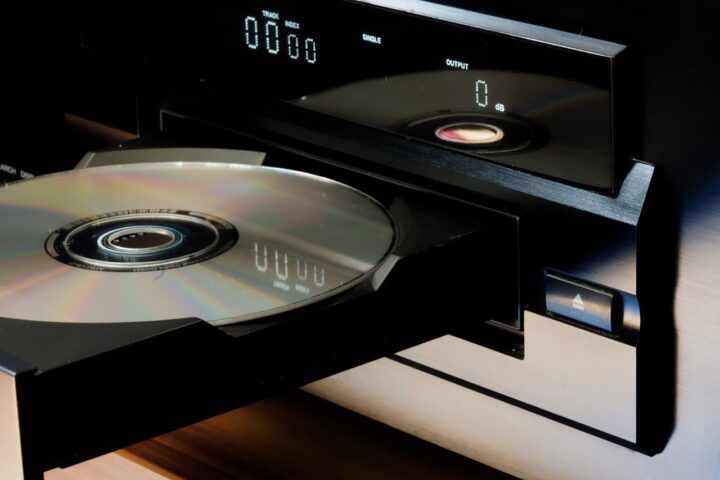
For me personally, whether something is available on SACD in hi-res DSD format is currently a higher priority than downloading hi-res audio. Which is to say, my interest is only piqued by something that’s out of print with no hope of finding even a second-hand SACD, or a hi-res recording that simply isn’t available on CD or SACD in the first place — something along those lines. The reason is as I’ve already said: I simply want to have physical media in hand whenever possible. For the same amount of money, using a dedicated CD/SACD player is still simpler and less trouble, and I find the sound quality better without the effort.
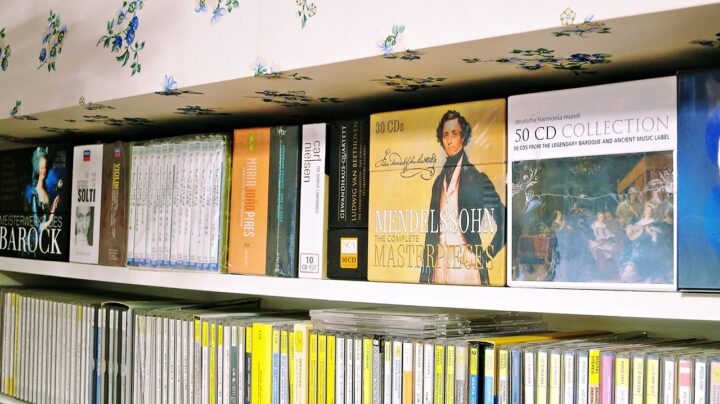
But one thing that must not be forgotten is the remastering problem. It’s commonly assumed that later remasters increase the bit depth of the digital data and thus improve the sound quality — but that’s really just falling for the record labels’ reissue business strategies. As someone who has spent many years as a deep CD and SACD collector, I know from experience that remastered recordings have a high probability of sounding worse than the original source as released when the album first came out. This has been an industry cliché going all the way back to the LP era.
With streaming and download distribution services, listeners generally have no say in which master version they’re hearing — and more often than not, the source is quietly swapped out for the latest remaster under the banner of hi-res upgrading. Having been burned so many times by unnecessary remasters of CDs, SACDs, and LPs, not being able to choose which master you’re listening to is genuinely painful … orz
4. Genres, albums, and tracks you enjoy but wouldn’t spend money on at CD prices can be listened to casually via subscription
If I’m honest, I suspect that this low cost of music sources compared to physical media, along with the convenience, is what those keen to promote subscription services and network audio are really getting at. By contrast, old-fashioned thinker that I am, I want as much money as possible to reach the artists themselves — which is why I tend to feel that physical CDs, SACDs, and hi-res downloads, where royalties are properly paid per unit sold, are preferable to flat-rate streaming services where copyright feels half-heartedly siphoned off. Internet radio, which was always free to listen to by design, is one thing — but I find myself rather unenthusiastic, personally, about monthly-subscription services like TIDAL or Apple Music. Because whenever I hear something wonderful through a subscription or internet radio, I end up reflexively ordering the CD or SACD anyway — which means, in the end, all it amounts to is a paid preview service requiring a monthly fee.
~ Summary ~
So, with all that said — do you now have a clear and unambiguous sense of how PC audio and network audio are defined, two terms that tend to be rather vague, easily confused, and often misunderstood?
 ポチップ
ポチップ
Network audio is still in its early days when it comes to sound quality, but I do expect that gradually more excellent standalone network players will appear, and that before too long there will be players that are no less capable than a CD/SACD player in the same price bracket. At the moment, though, there are still relatively few options, and I personally haven’t yet come across a network audio player that I feel compelled to own on a cost-to-performance basis. I used to have my eye on the YAMAHA NP-S2000, but it was quite expensive and in the end was discontinued without a successor ever appearing. The chassis size and design were good, so I’ve always thought they could simply have brought out a follow-up model carrying forward the same concept at a lower price point.
 ポチップ
ポチップ
If a reasonably priced, relatively compact (slim-profile) standalone high-quality network audio player were to come out — one that could also work in a secondary system — I’d be tempted to pick one up at some point. For now, though, I’m still in a “wait and see” mode … which has somehow continued for over five years already. If I do ever take the plunge, I’d like to write a proper review. What model would the author of Miniature Hi-Fi actually choose? That is known only to God.
【A Closer Look at Network Audio Players】
Introduction|ONKYO|Pioneer|DENON|Definitions

Auto Translated by CS4.6
List of comments (3)
お久しぶりです(^.^)
おくれましたが明けましておめでとうございます
今年もよろしくお願いいたします
コメント書けなくてすいませんでした
フォント変わりましたね~♪ 試行錯誤中でしょうか?
みなさまお久しぶりです。
しこ~さくごといいますか、絶賛リハビリ中でございます。。。
・・・・・まともに復帰できるかはまだ判りませぬゆぇ。 あしからず。
気付いたらWindows10からのアクセスが一番多くなりましたので、
それに合わせて”游ゴシック”にしてみたのですが、
低画質モニタからはかなり読みにくいっぽいので、すぐにメイリオ優先に戻しました。
モニタ品質とWindows7+Windows10混合の最大公約数はまだメイリオかな~?みたいな。